1、打开C4D,添加一个区域光
在菜单栏中的【Redshift】-【Lights】-【Area Light】

2、打开区域光的参数
点击图层中的【Redshift Area Light】
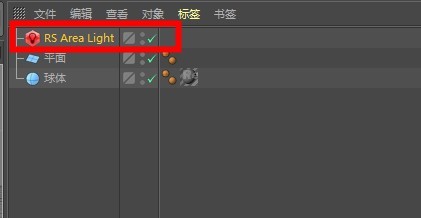
3、在左下角的【Redshift Light】窗口中,找到【General】-【Decay】-【Type】,选择【Inverse-square】,是符合物理精度的衰减方式,也是最常用的


4、在左下角的【Redshift Light】窗口中,找到【General】-【Decay】-【Type】,选择【None】,是没有衰减方式


5、在左下角的【Redshift Light】窗口中,找到【General】-【Decay】-【Type】,选择【Linear】,是线性衰减方式

