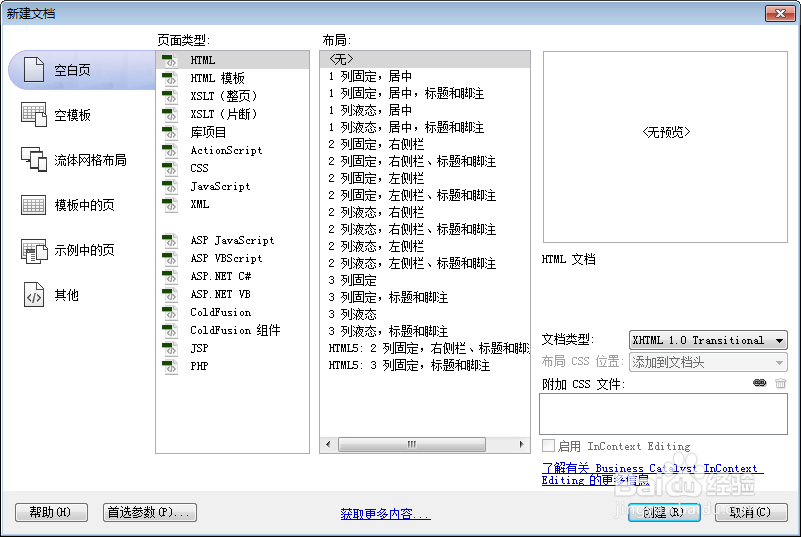
1、新建html文档。
2、书写hmtl代码。
<div class="outer">
<div class="inner">
<div class="inner"></div>
</div>
</div>

3、书写css代码。
<style type="text/css">
body{padding:0;margin:0;background:#eee;}
.outer,.inner{border:2px solid #999;}
.outer{width:70%;height:80%;}
.inner{width:50%; height:80%; }
p.info{position:absolute;top:10px;right:10px;background:#EB3755;color:#fff;font-family:arial,sans-serif;font-size:15px;margin:0;padding:20px;z-index:2;}
</style>

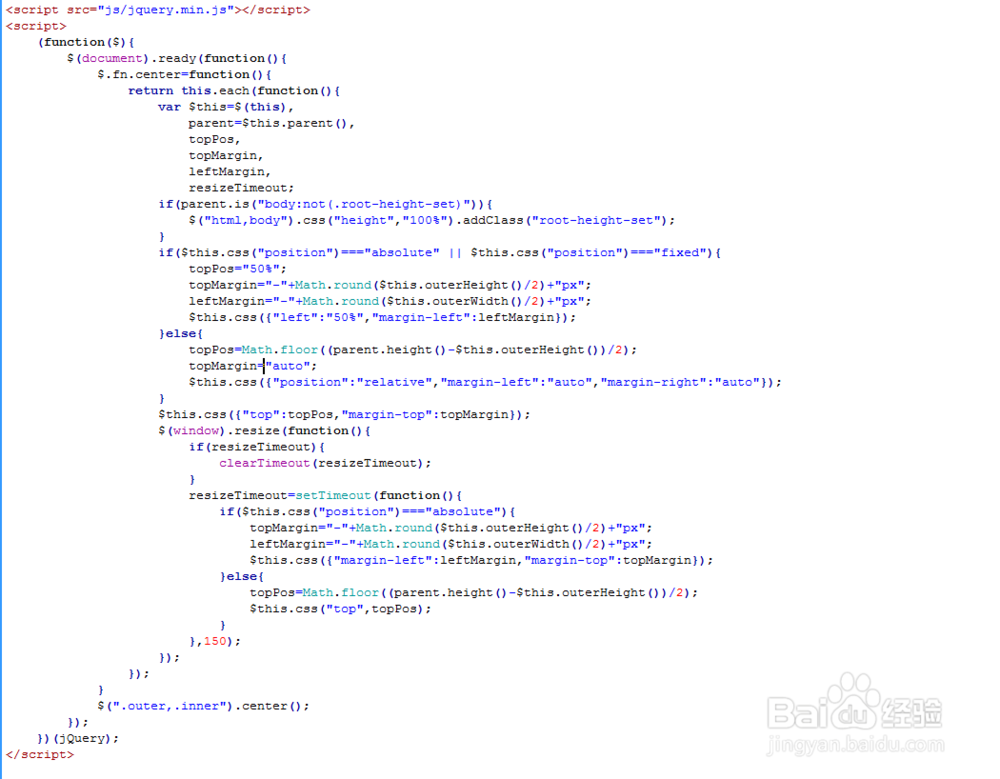
4、书写并添加js代码。
<script src="js/jquery.min.js"></script>
<script>
(function($){
$(document).ready(function(){
$.fn.center=function(){
return this.each(function(){
var $this=$(this),
parent=$this.parent(),
topPos,
topMargin,
leftMargin,
resizeTimeout;
if(parent.is("body:not(.root-height-set)")){
$("html,body").css("height","100%").addClass("root-height-set");
}
if($this.css("position")==="absolute" || $this.css("position")==="fixed"){
topPos="50%";
topMargin="-"+Math.round($this.outerHeight()/2)+"px";
leftMargin="-"+Math.round($this.outerWidth()/2)+"px";
$this.css({"left":"50%","margin-left":leftMargin});
}else{
topPos=Math.floor((parent.height()-$this.outerHeight())/2);
topMargin="auto";
$this.css({"position":"relative","margin-left":"auto","margin-right":"auto"});
}
$this.css({"top":topPos,"margin-top":topMargin});
$(window).resize(function(){
if(resizeTimeout){
clearTimeout(resizeTimeout);
}
resizeTimeout=setTimeout(function(){
if($this.css("position")==="absolute"){
topMargin="-"+Math.round($this.outerHeight()/2)+"px";
leftMargin="-"+Math.round($this.outerWidth()/2)+"px";
$this.css({"margin-left":leftMargin,"margin-top":topMargin});
}else{
topPos=Math.floor((parent.height()-$this.outerHeight())/2);
$this.css("top",topPos);
}
},150);
});
});
}
$(".outer,.inner").center();
});
})(jQuery);
</script>
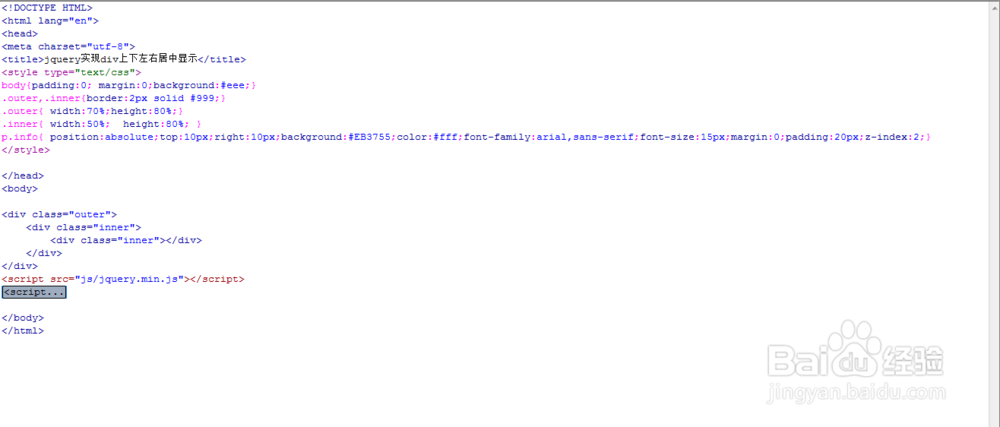
5、代码整体结构。
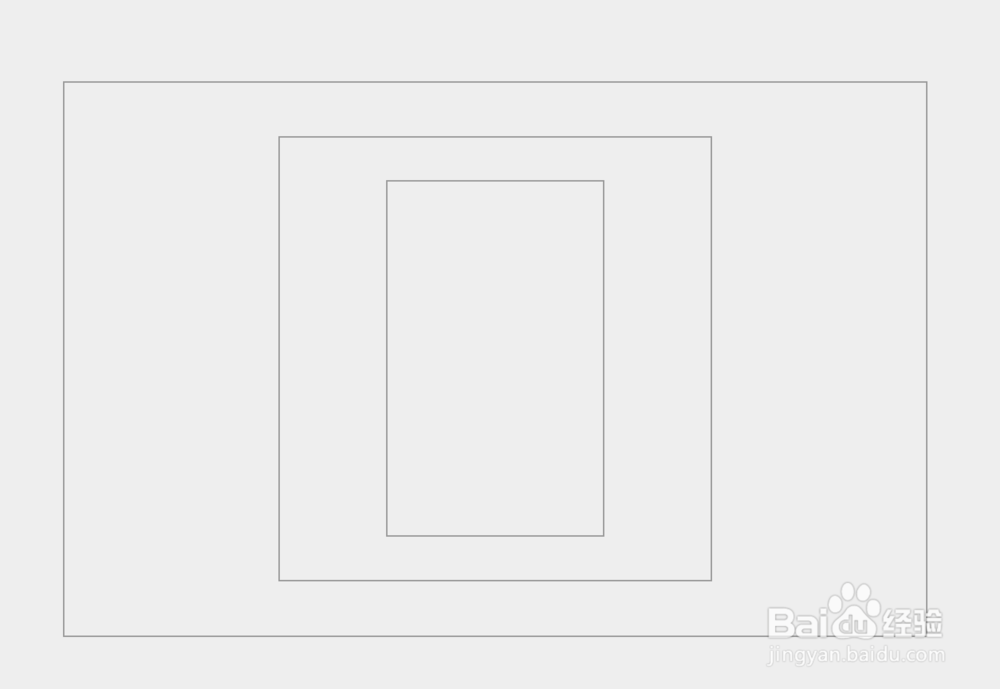
6、查看效果。