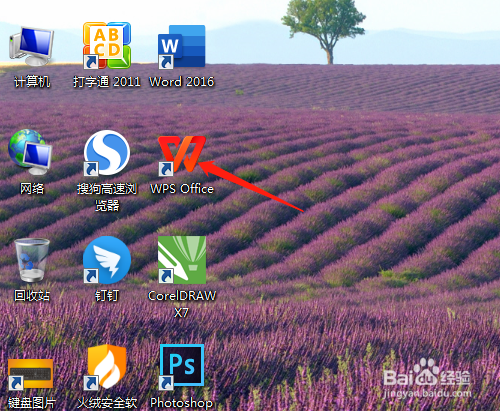
1、1. 双击打开桌面的Wps Office。
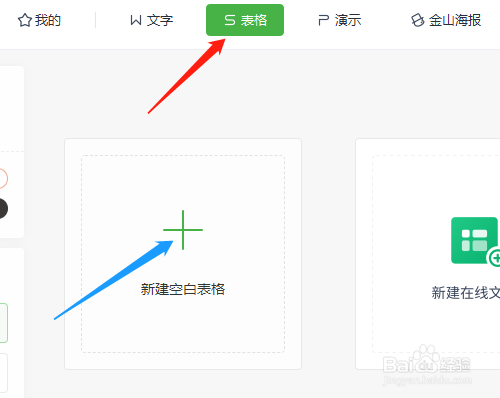
2、2. 新建空白表格。
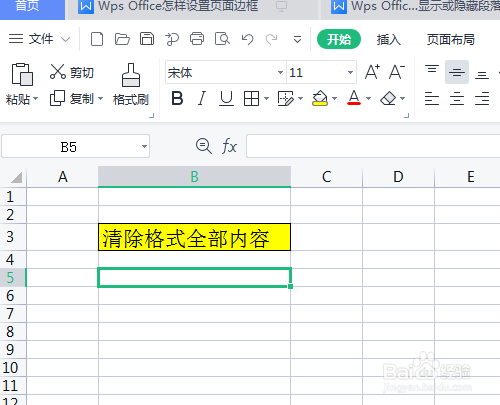
3、3. 单元格输入资料,并设置一些格式,如字大小、边框线、底纹等。
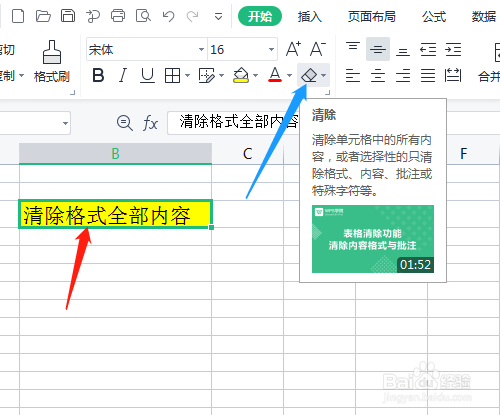
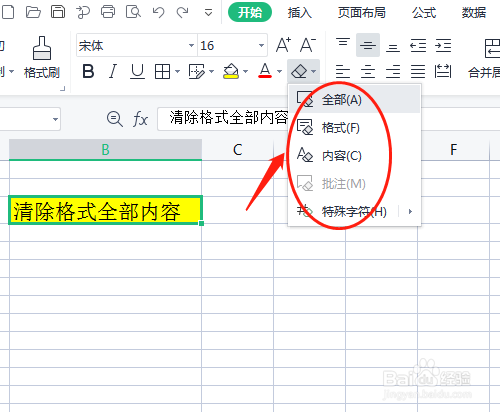
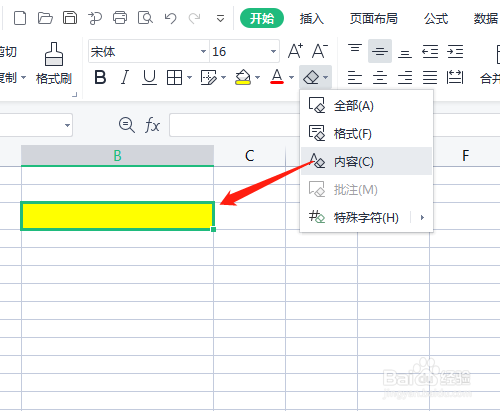
4、4. 选定需要清除格式的内容,单击开始菜单清除图标。
5、5. 下拉中有多个选项,如选全部,清除了单元格的所有资料格式。
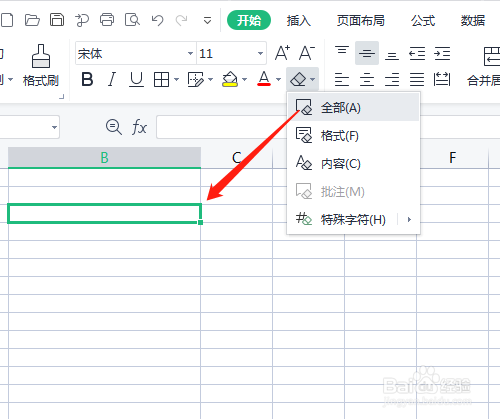
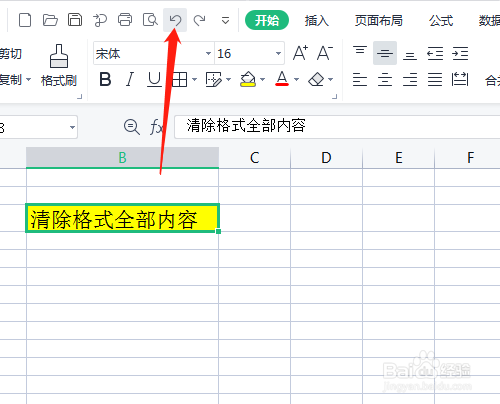
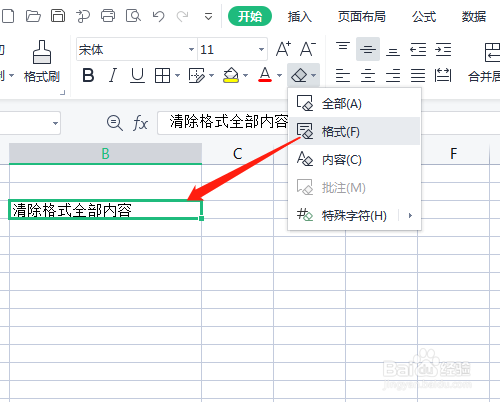
6、6. 单击撤销图标,选格式、内容后看显示结果。
1、1. 双击打开桌面的Wps Office。
2、2. 新建空白表格。
3、3. 单元格输入资料,并设置一些格式,如字大小、边框线、底纹等。
4、4. 选定需要清除格式的内容,单击开始菜单清除图标。
5、5. 下拉中有多个选项,如选全部,清除了单元格的所有资料格式。
6、6. 单击撤销图标,选格式、内容后看显示结果。