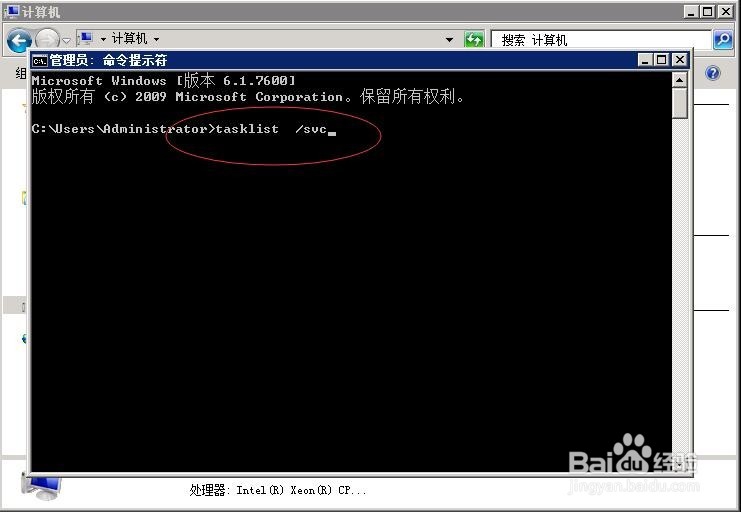
1、调出cmd命令行,在命令行中输入:tasklist /svc
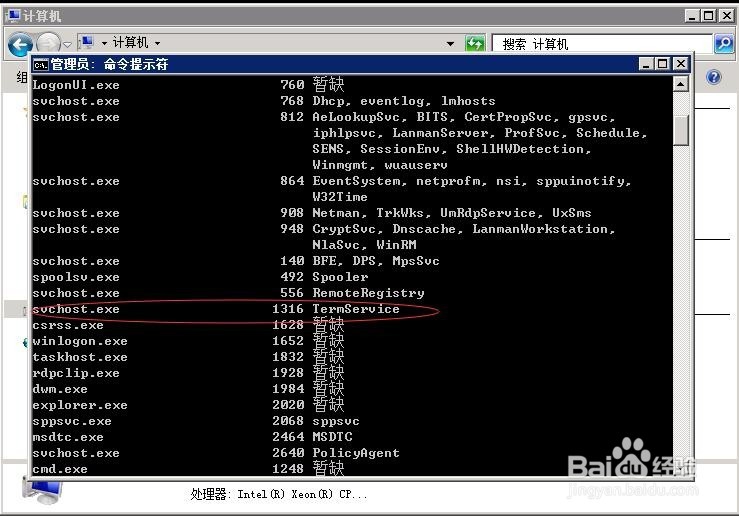
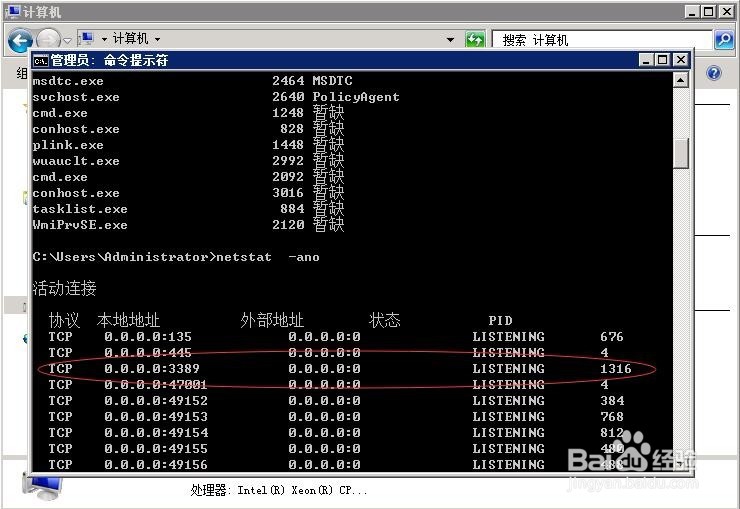
2、回车,找到svchost.exe进程下termservice服务对应的PID:1316
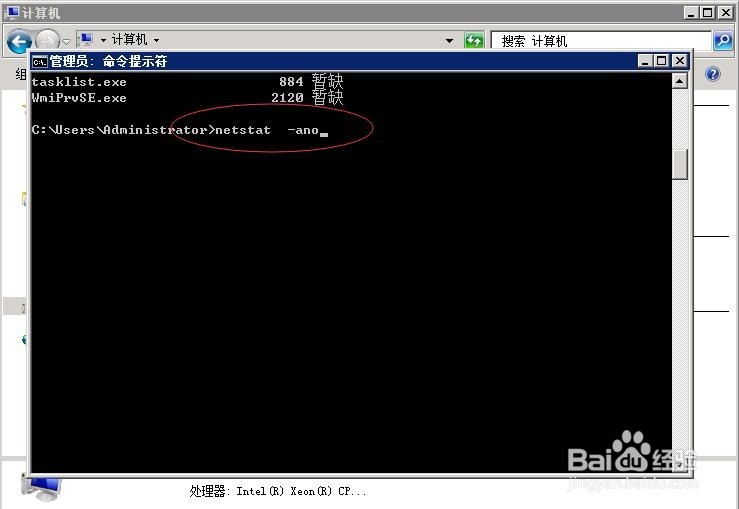
3、命令行在输入命令:netstat -ano
4、回车,根据PID号查找对应远程端口,远程端口为3389端口
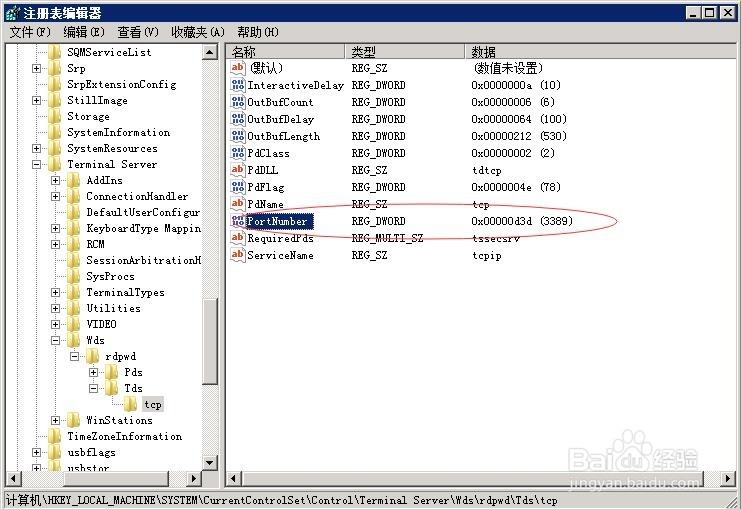
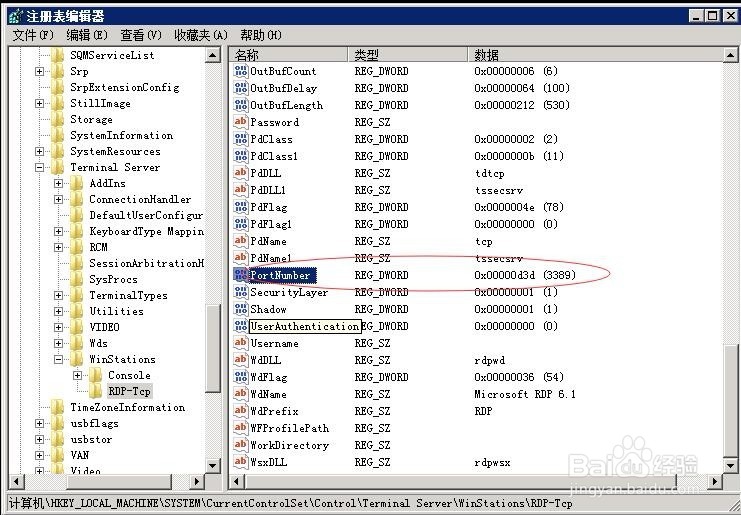
1、也可以通过注册表查看
在运行框中输入:regedit 打开注册表
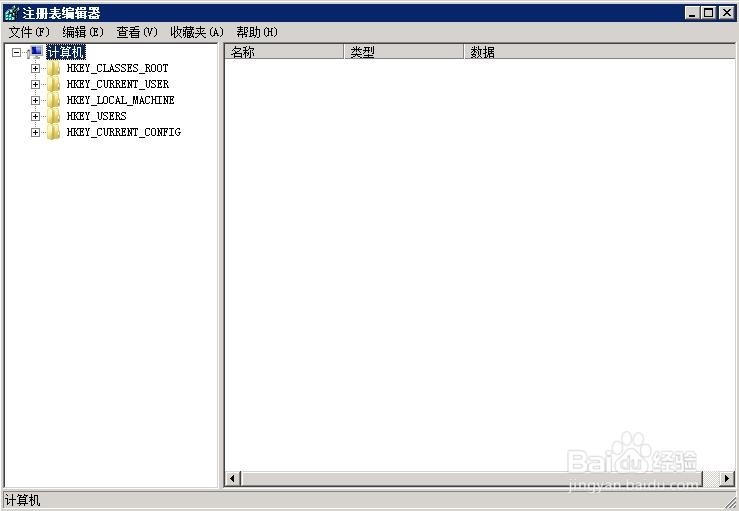
2、根据以下路径查找PortNumber文件,查看端口是3389
[HKEY_LOCAL_MACHINE\SYSTEM\CurrentControlSet\Control\Terminal Server\Wds\rdpwd\Tds\tcp\PortNumber]
[HKEY_LOCAL_MACHINE\SYSTEM\CurrentControlSet\Control\Terminal Server\WinStations\RDP-Tcp\PortNumber]