怎么在Excel中快速打钩打叉

时间:2026-02-15 15:09:10

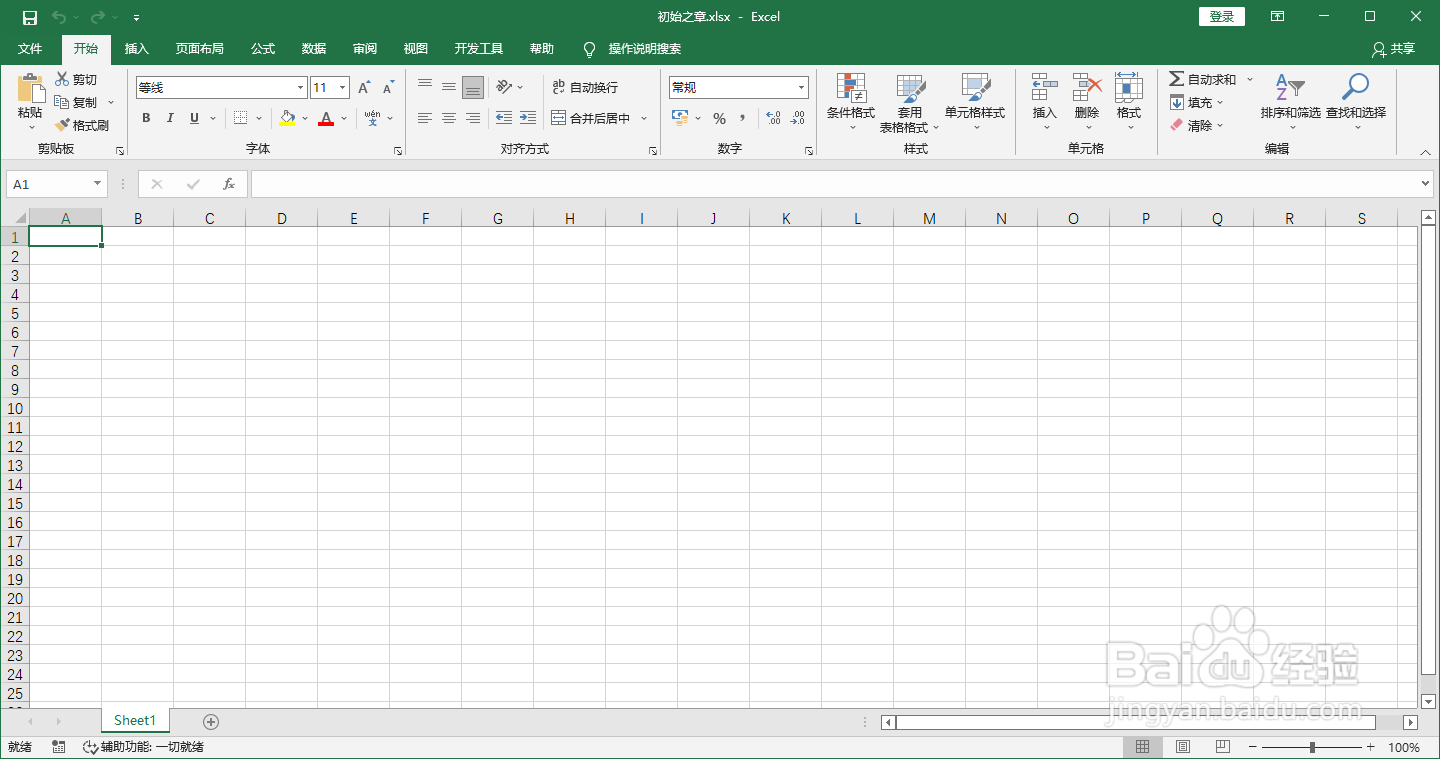
1、打开一个Excel文件

怎么在Excel中快速打钩打叉

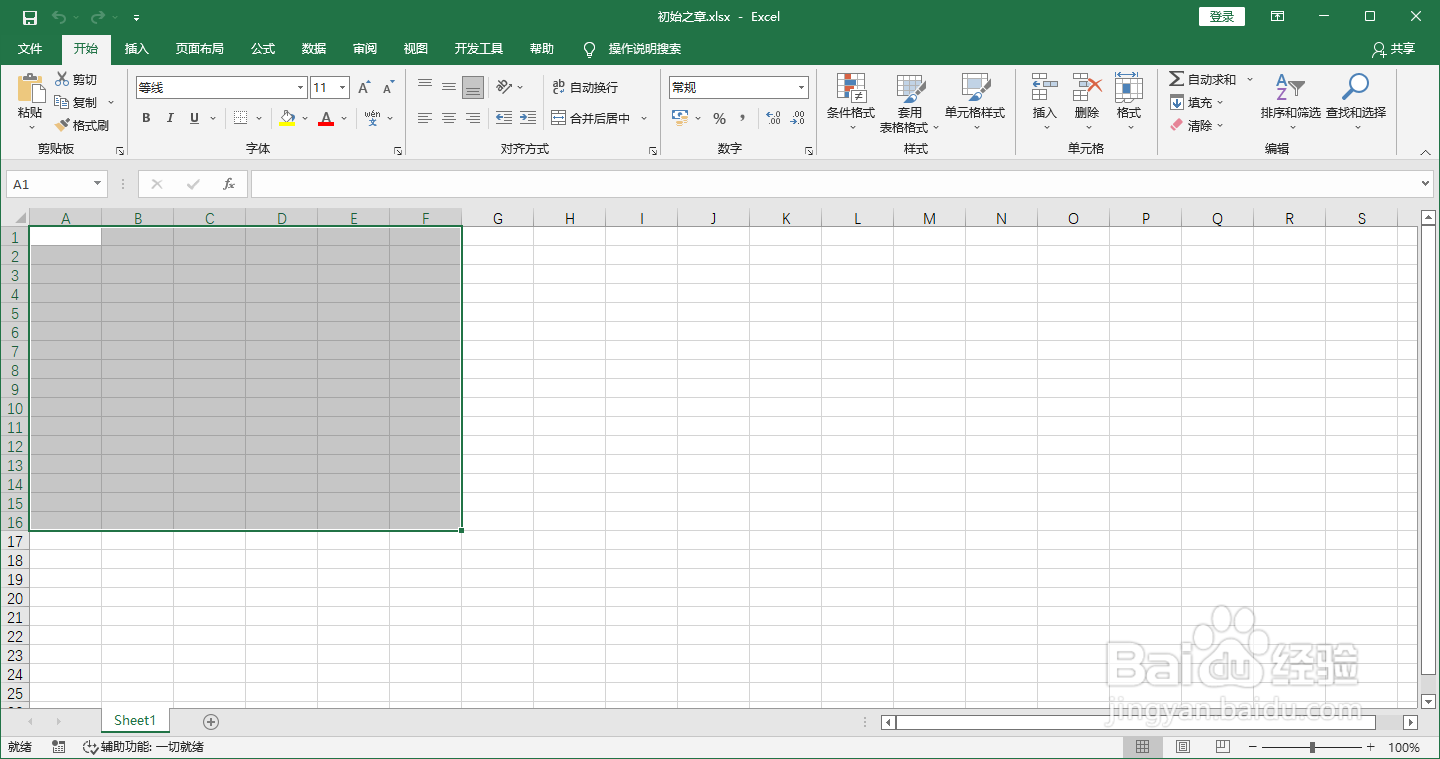
2、选中需要打钩打叉的单元格

怎么在Excel中快速打钩打叉

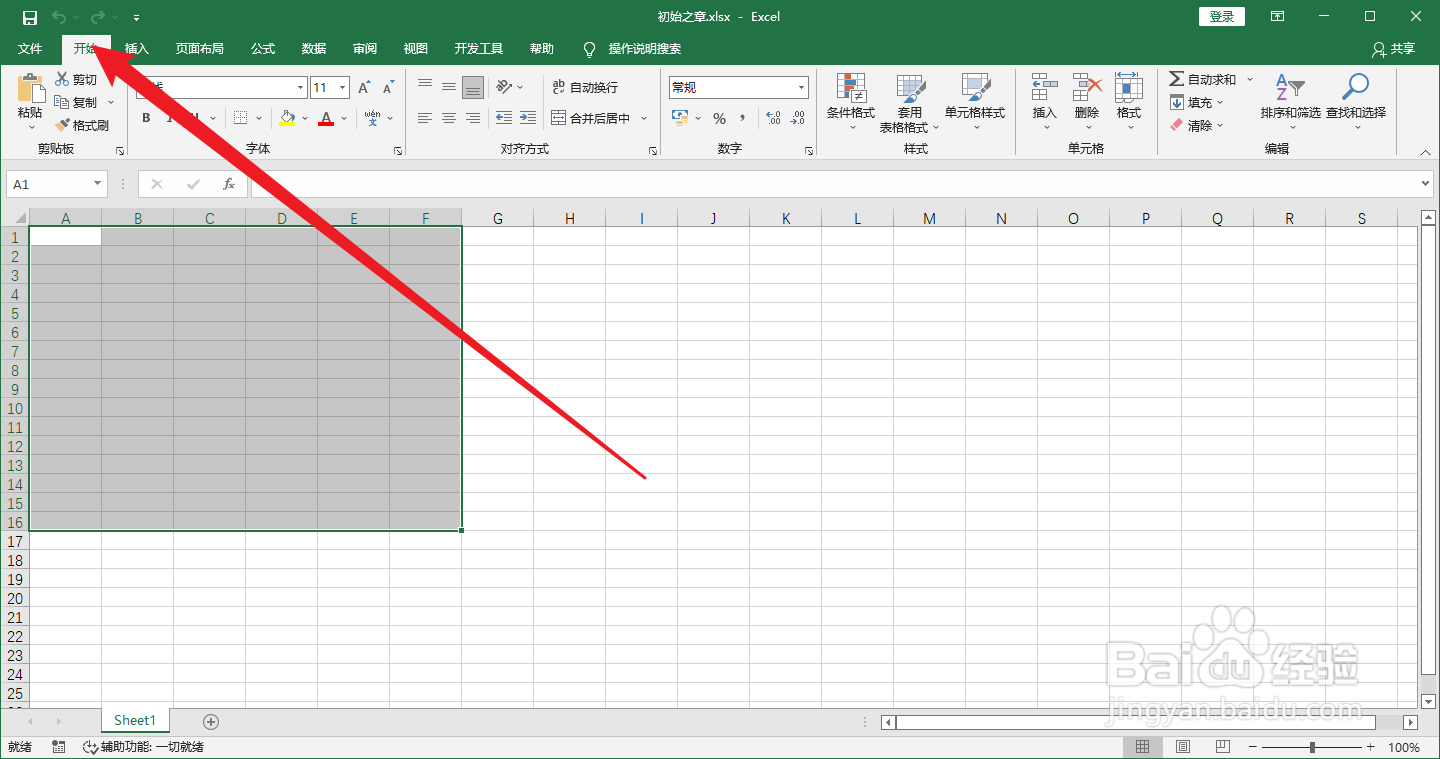
3、点击开始菜单

怎么在Excel中快速打钩打叉

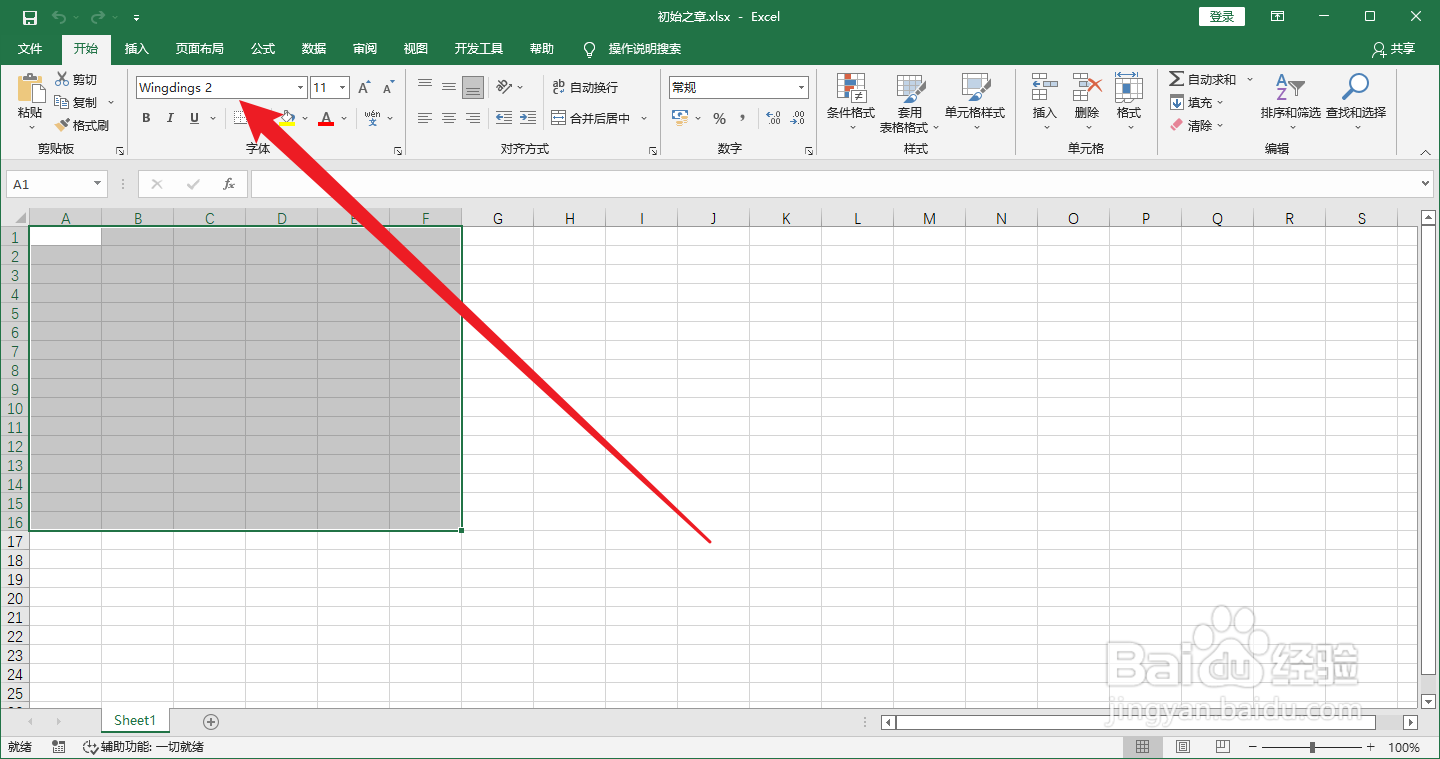
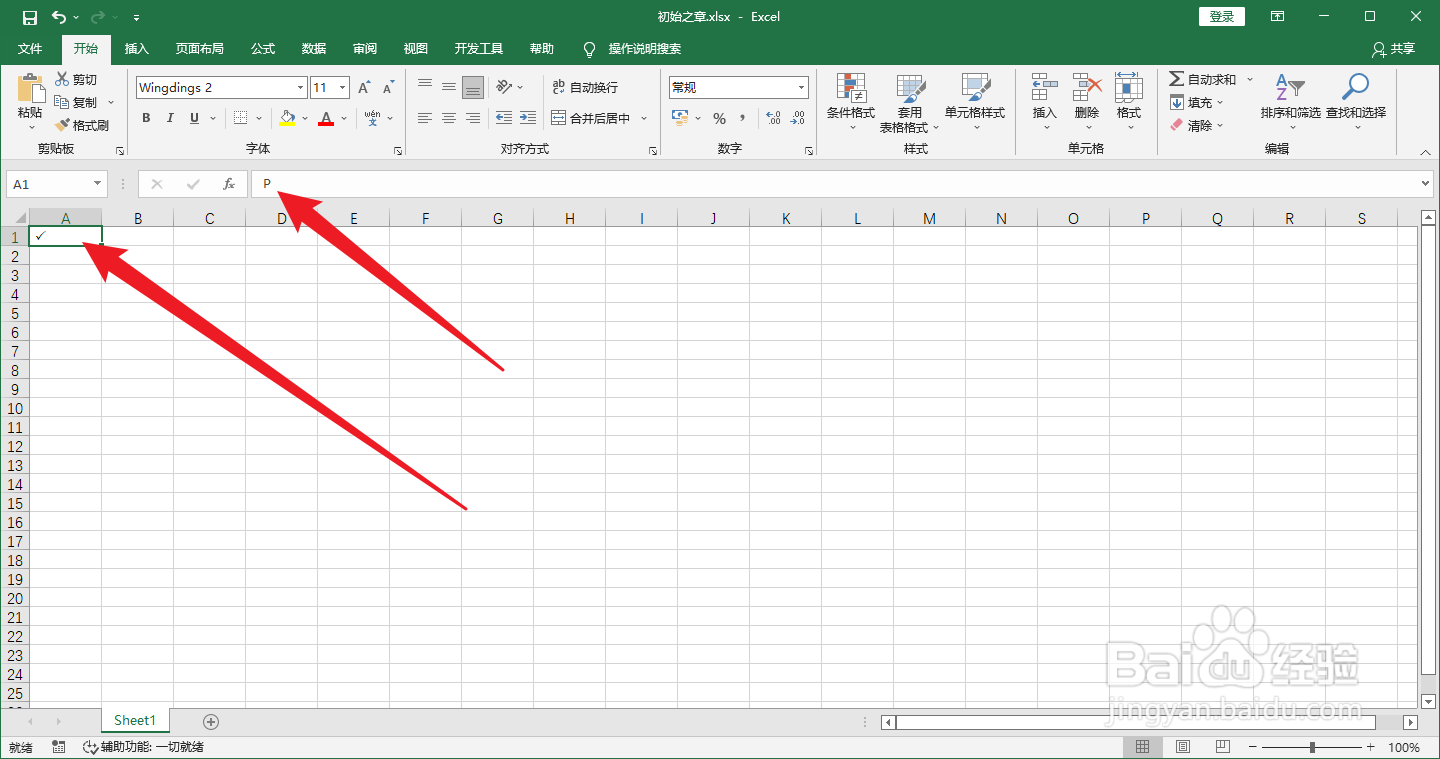
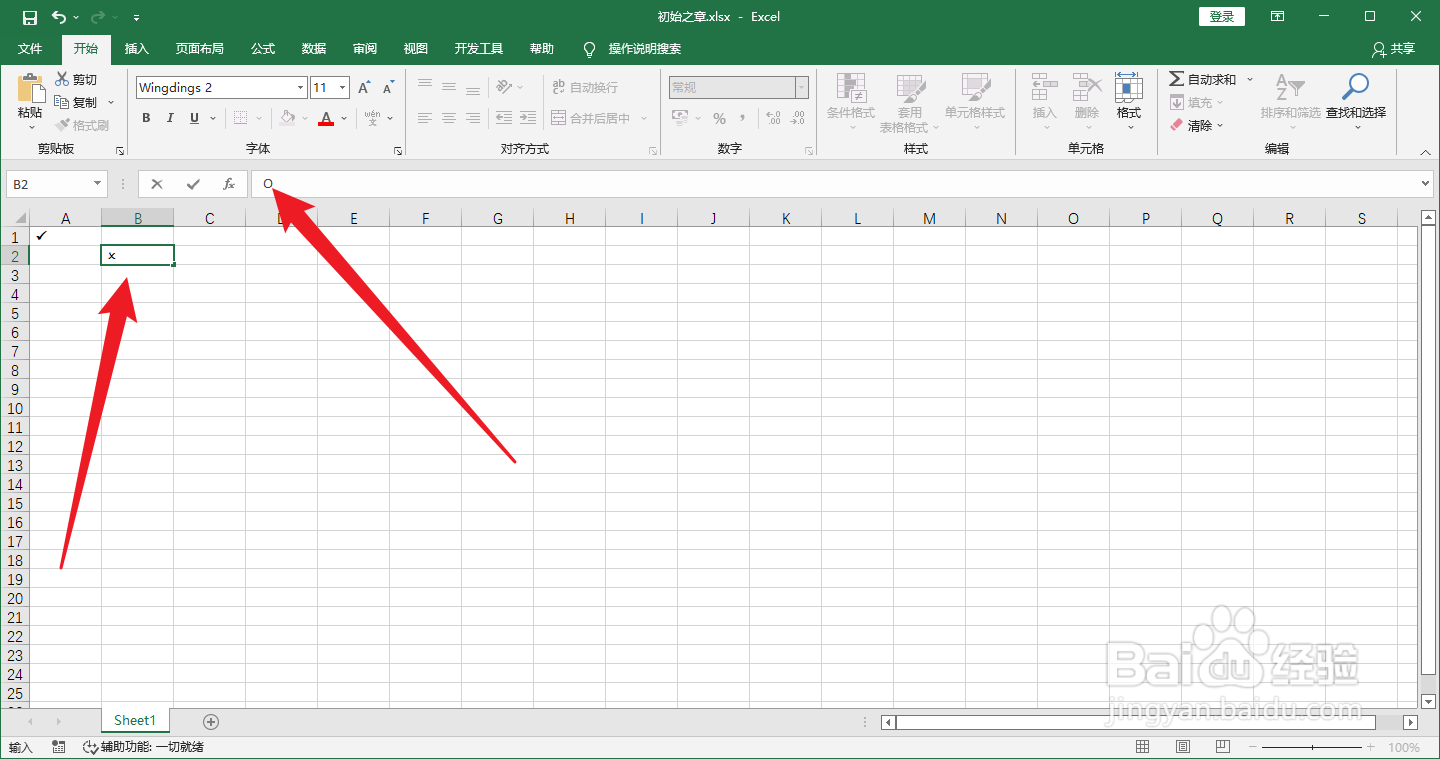
4、在开始菜单下找到字体,将字体设置为winding2

怎么在Excel中快速打钩打叉

5、在需要打钩的地方输入大写字母P

怎么在Excel中快速打钩打叉

6、在需要打叉的地方输入大写字母O这样就可以了

怎么在Excel中快速打钩打叉

© 2026 一点资料
信息来自网络 所有数据仅供参考
有疑问请联系站长 site.kefu@gmail.com