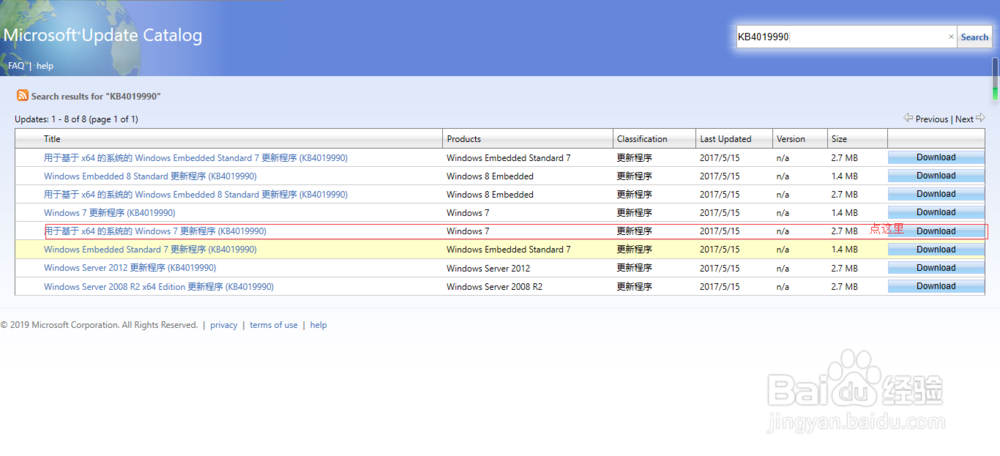
1、下载用于基于 x64 的系统的 Windows 7 更新程序 (KB4019990),在http://www.catalog.update.microsoft.com/Search.aspx?q=KB4019990

2、必须在Windows7系统下运行!

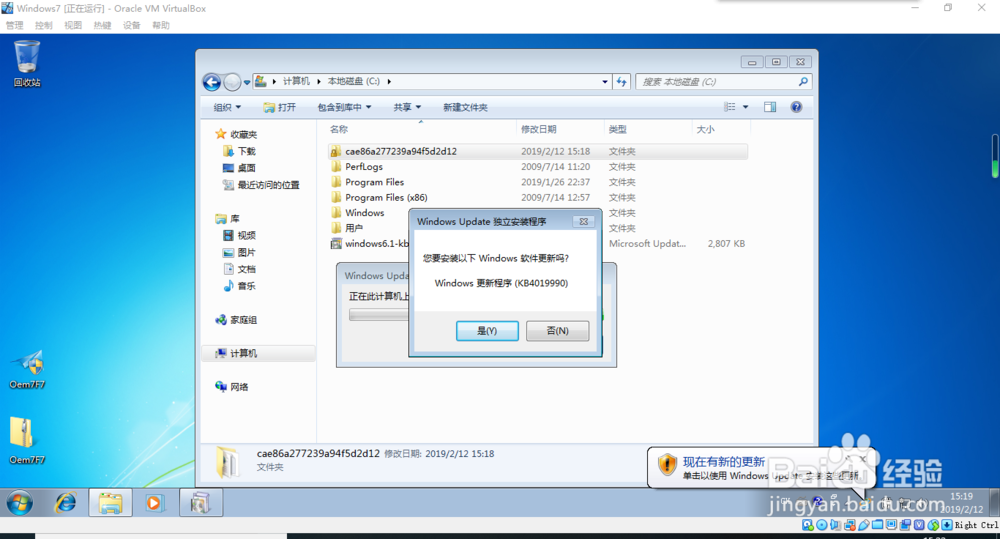
3、双击运行,安装

4、完成后无需重启,即可使用
1、下载用于基于 x64 的系统的 Windows 7 更新程序 (KB4019990),在http://www.catalog.update.microsoft.com/Search.aspx?q=KB4019990
2、必须在Windows7系统下运行!
3、双击运行,安装
4、完成后无需重启,即可使用