1、Windows 10从1803版升级到17744版系统教程
第一部份: 升级前的准备工作。
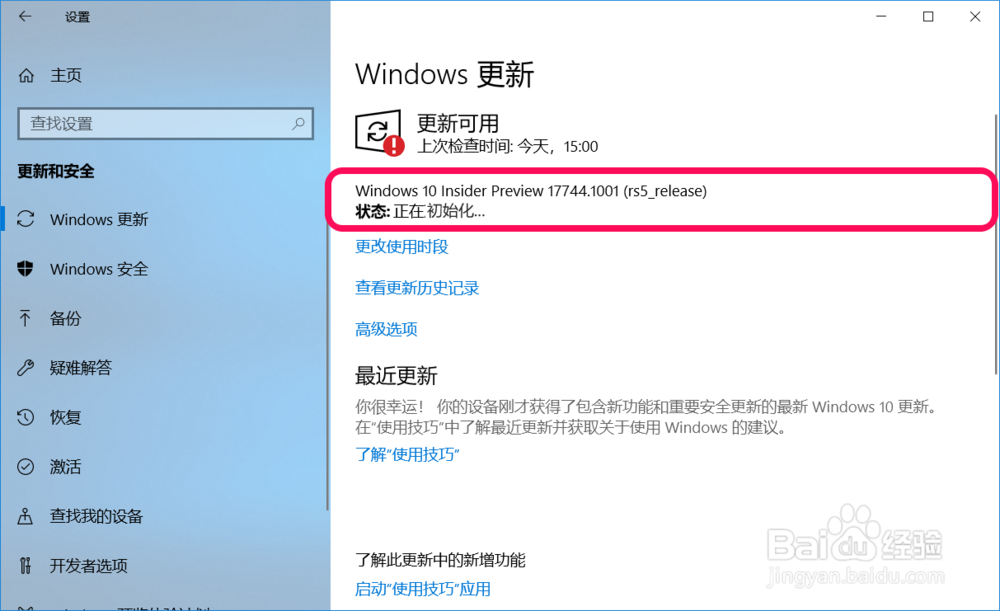
初始化:
Windows 10 Insider Preview 17744.1001 (rs5_release)
状态:正在初始化...
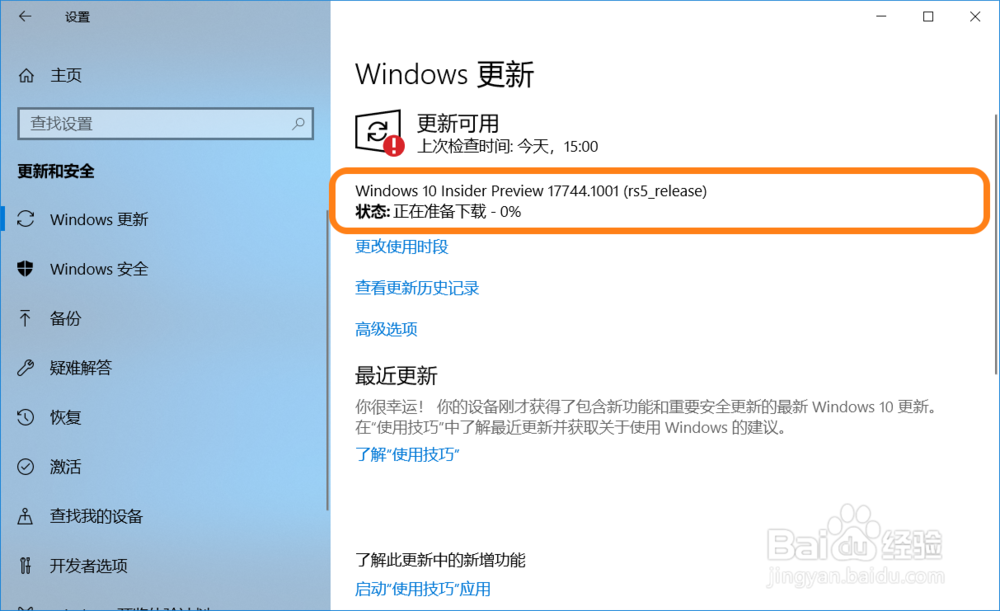
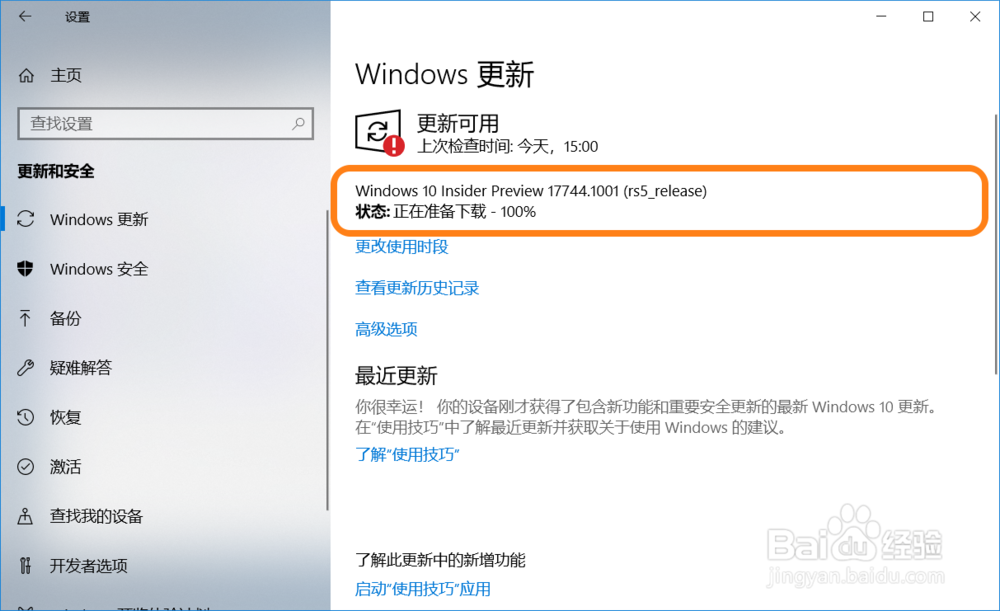
2、准备下载:
Windows 10 Insider Preview 17744.1001 (rs5_release)
状态:正在准备下载 0% ~ 100%
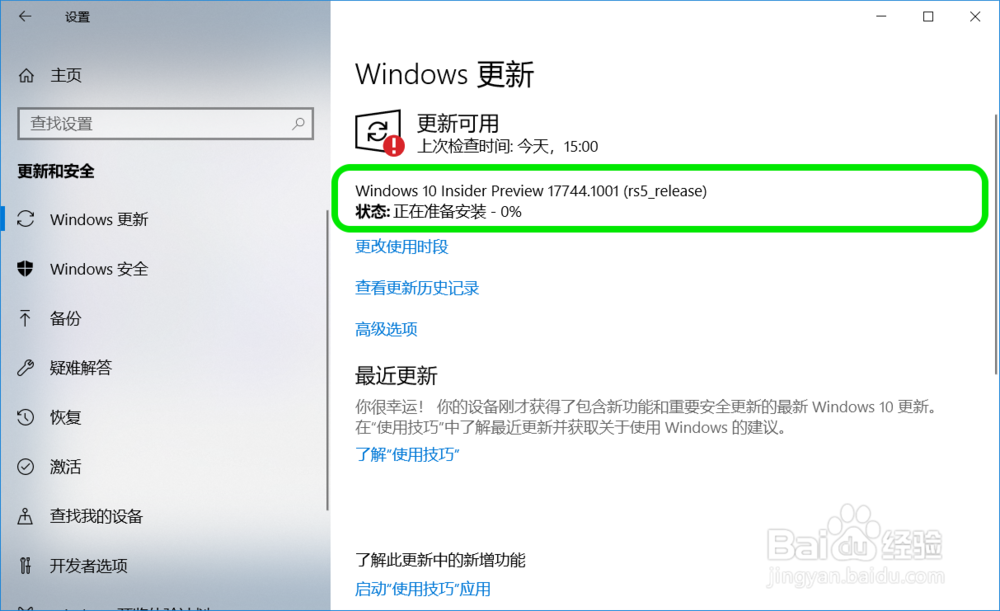
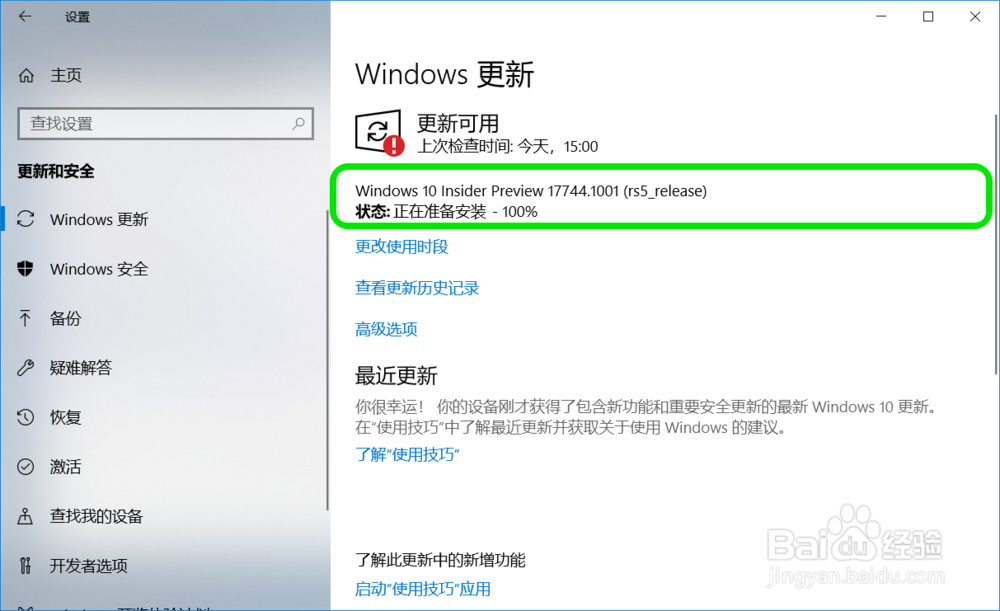
3、准备安装:
Windows 10 Insider Preview 17744.1001 (rs5_release)
状态:正在准备安装 0% ~ 100%
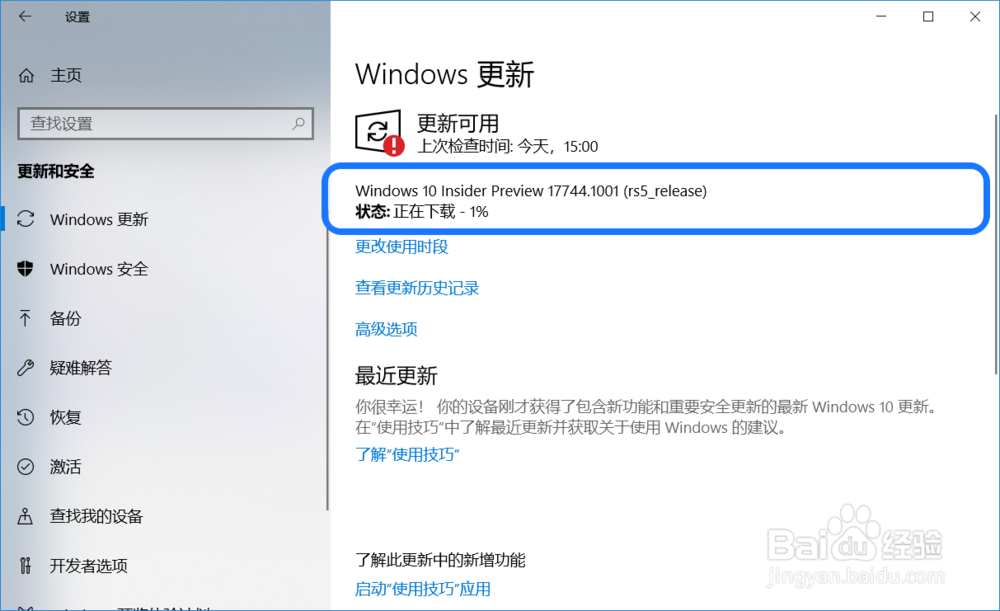
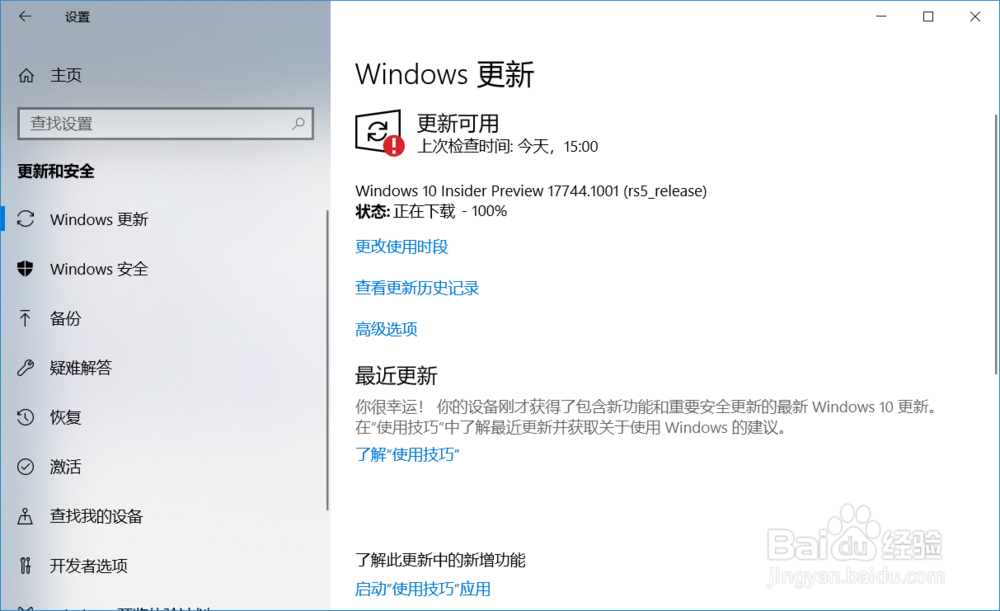
4、下载:
Windows 10 Insider Preview 17744.1001 (rs5_release)
状态:正在下载 0% ~ 100%
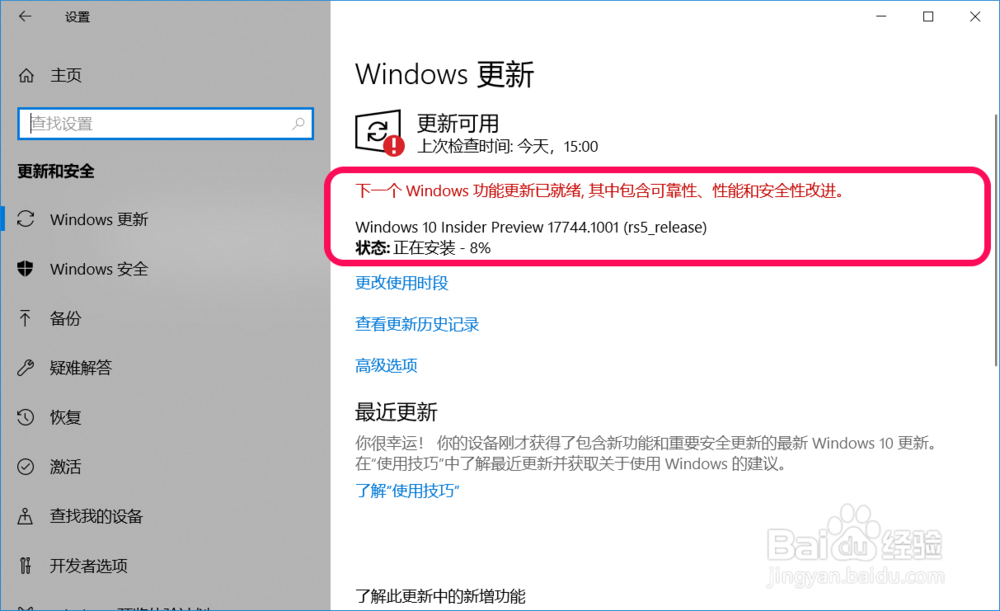
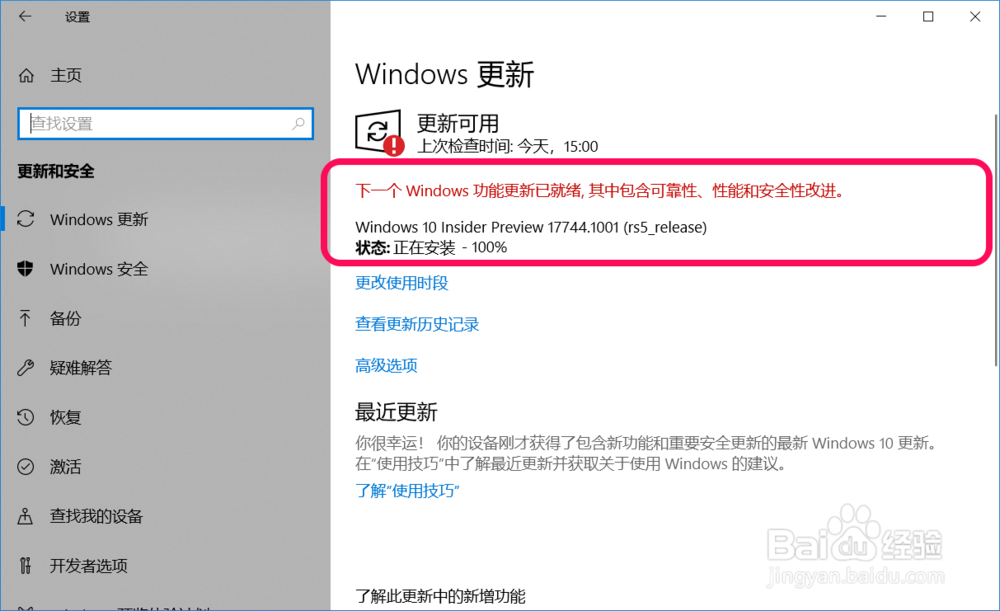
5、安装:
下一个 Windows 功能更新已就绪, 其中包含可靠性、性能和安全性改进。
Windows 10 Insider Preview 17744.1001 (rs5_release)
状态:
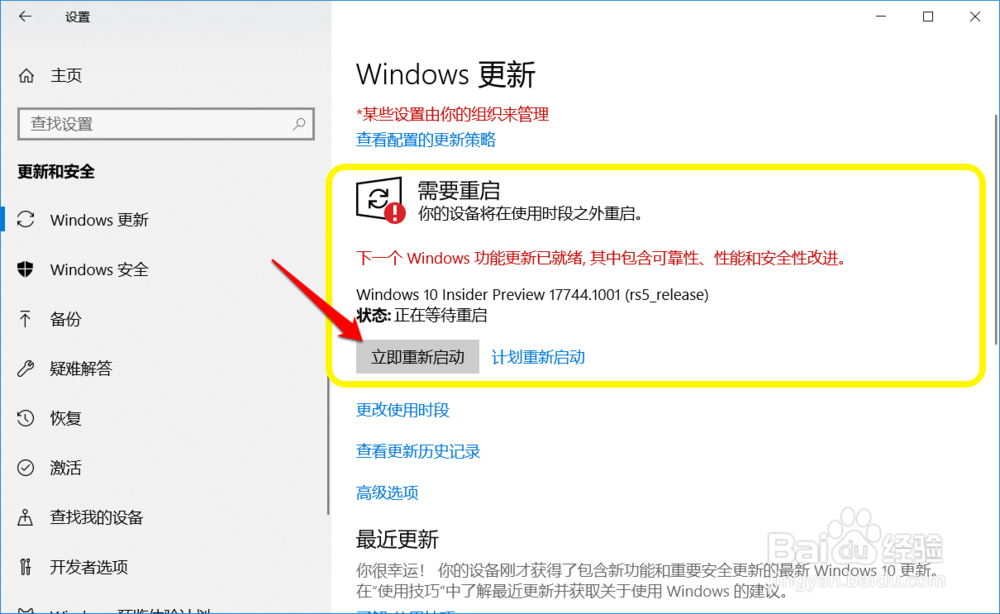
6、重启:
Windows 10 Insider Preview 17744.1001 (rs5_release)
状态:正在等待重启
点击:立即重新启动
7、第二部份:更新系统文件。
电脑重新启动以后,进行 Windows 10 Insider Preview 17744.1001 (rs5_release) 系统文件更新。
第一步:复制 Windows 10 Insider Preview 17744.1001 (rs5_release)系统文件 0% ~ 30%;


8、第二步:安装功能和驱动程序,30% ~ 75%;

9、第三步:优化设置,75% ~ 100%;

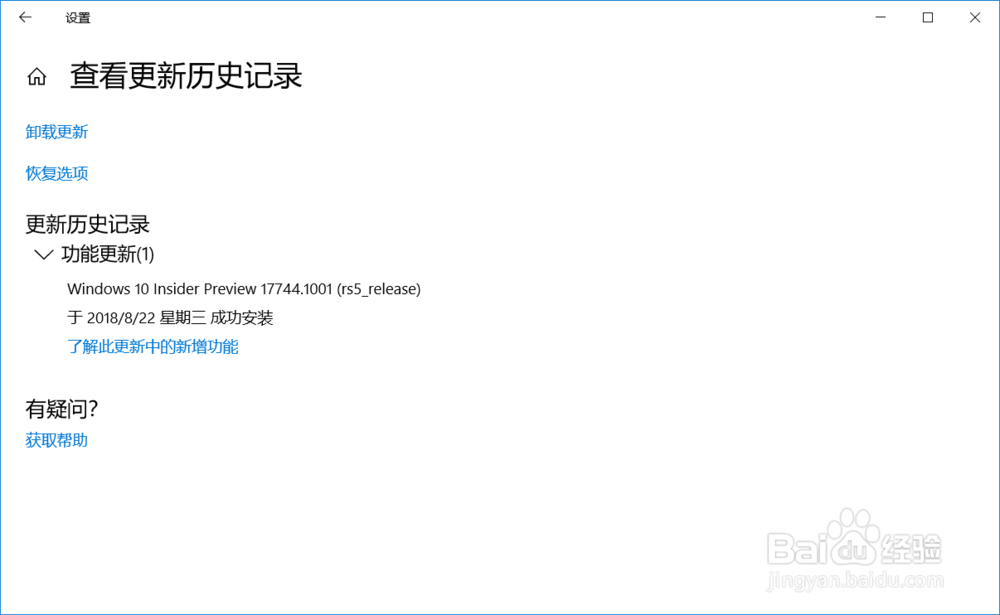
10、优化设置操作完成以后,电脑第 4 次重新启动,我们可以在Windows 设置 - 更新和安全 - 查看更新历史记录窗口中看到:
Windows 10 Insider Preview 17744.1001 (rs5_release)
于2018/8/22 星期三 成功安装
11、以上即:Windows 10家庭版从1803版升级到17744版系统教程,供参考。