1、查看是否开启SELinux,如果是未开启则是diabled,enforcing(enforce的分词,正在执行的意思),表明开启了

1、设置SELinux关闭 (setenforce 0或者setenforce permissive(中间状态),只是临时关闭,关机重启都会失效,SELinux关闭不彻底还是影响许多服务的正常运行)

1、vim 编辑配置文件 /etc/selinux/config
永久关闭、彻底关闭SELinux #开头的是注释
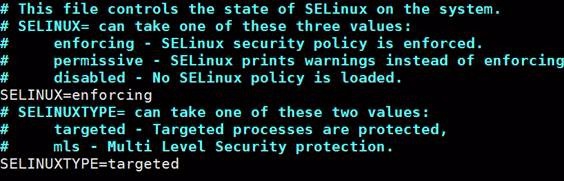
2、将SELINUX=enforcing修改为SELINUX=disabled

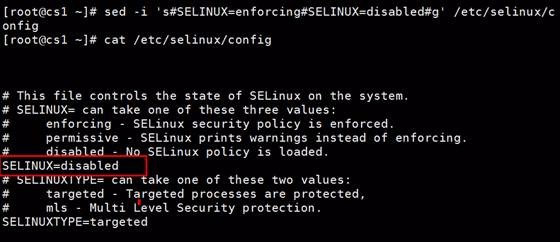
3、也可以通过sed命令修改配置文件,命令如下:
[root@cs1 ~]# sed -i 's#SELINUX=disabled#SELINUX=enforcing#g' /etc/selinux/config

4、查看配置文件是否修改成功:cat一下
cat /etc/selinux/config
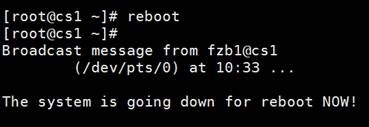
5、重启系统,应用相关设置 reboot
6、检查SELinux是否成功关闭getenforce:
