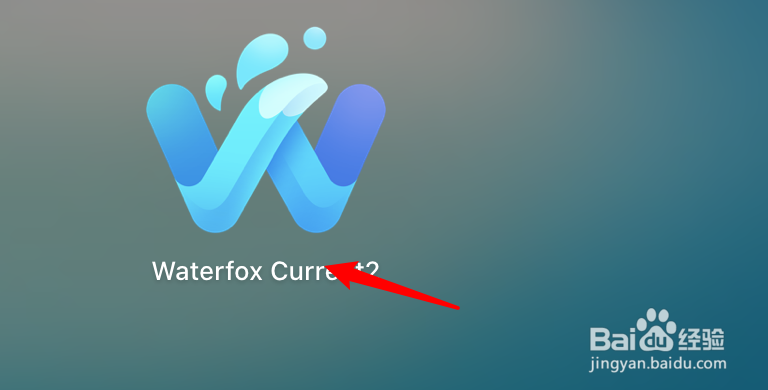
1、点击打开浏览器。
2、点击右边三横线。

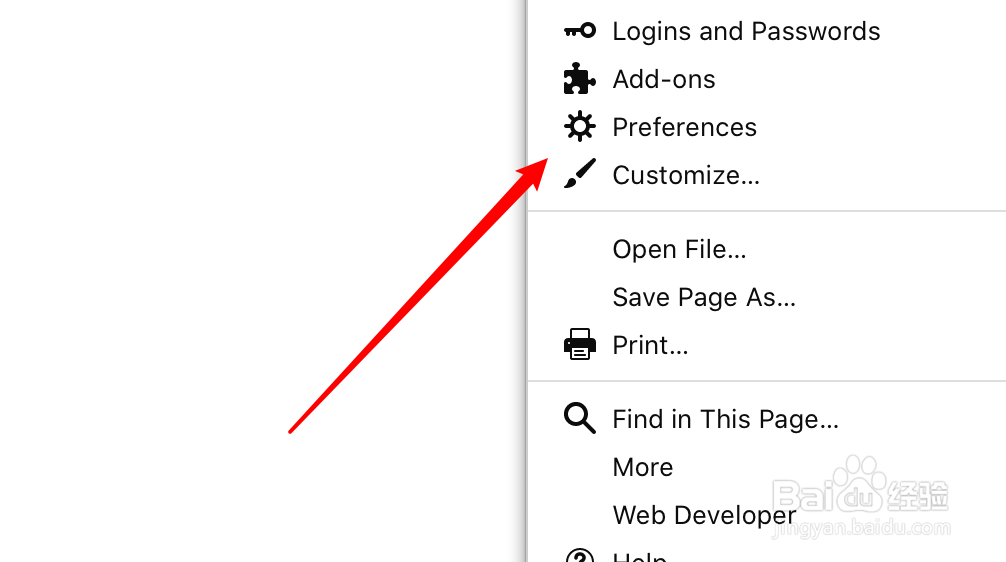
3、点击Preferences项。
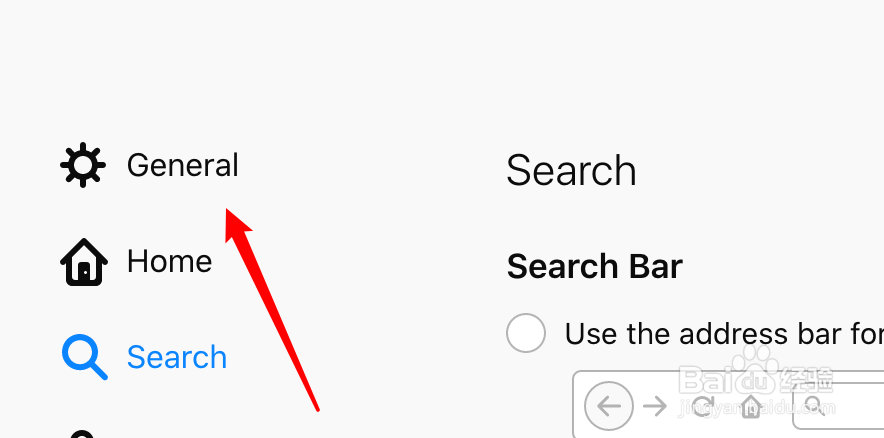
4、点击左边第一项的General。
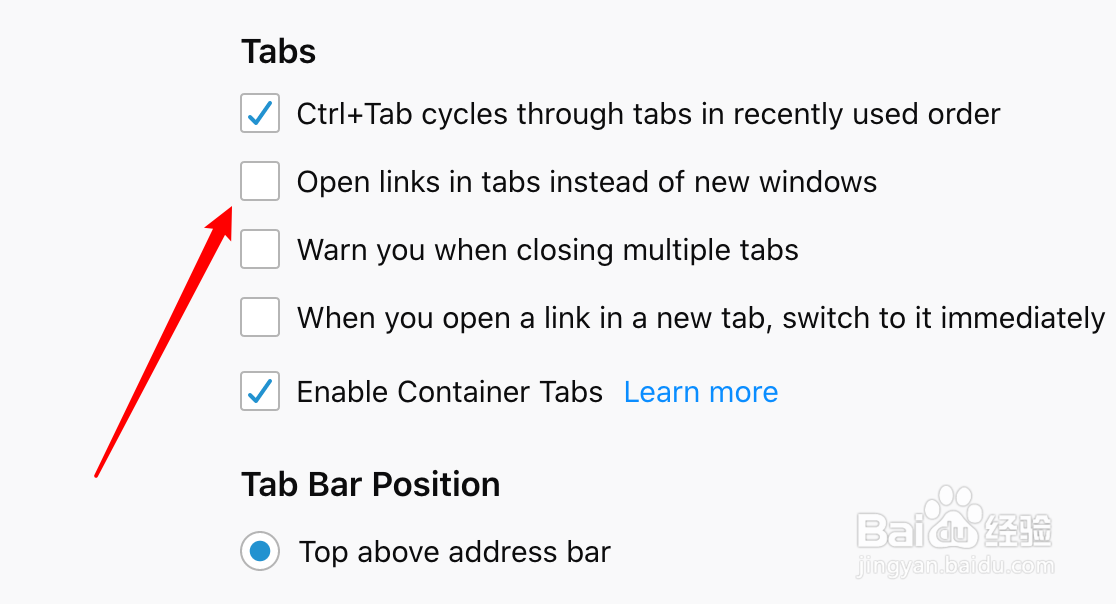
5、找到‘Open links in tabs instead of new windows’的选项,点击取消它。
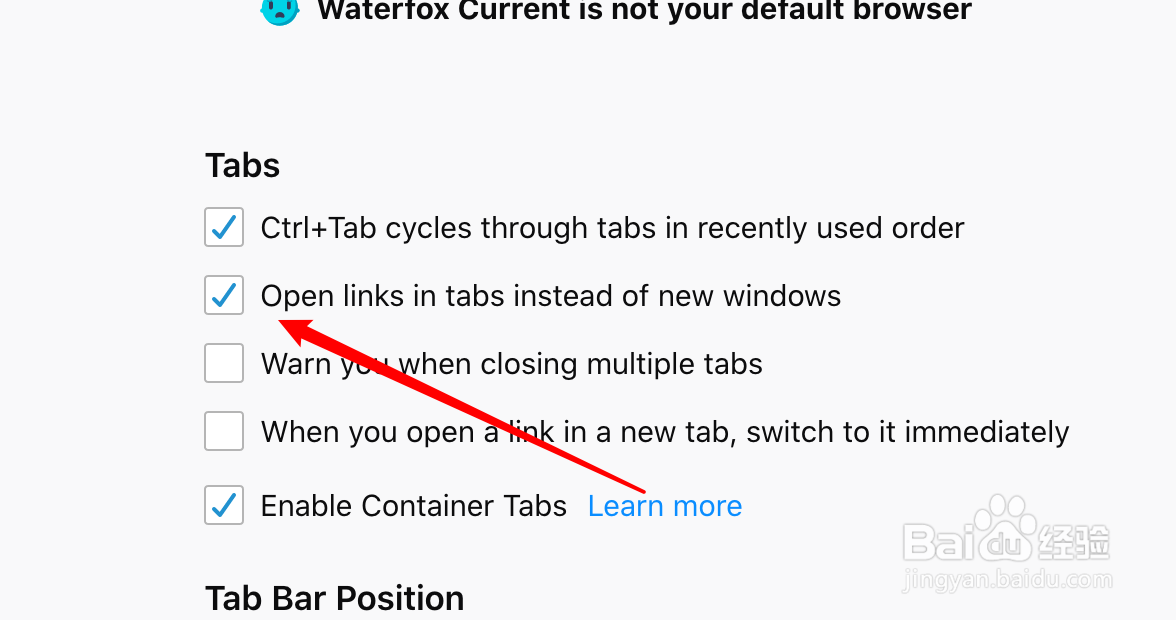
6、取消后,新开的链接就是在新的窗口上打开了。
1、点击打开浏览器。
2、点击右边三横线。
3、点击Preferences项。
4、点击左边第一项的General。
5、找到‘Open links in tabs instead of new windows’的选项,点击取消它。
6、取消后,新开的链接就是在新的窗口上打开了。