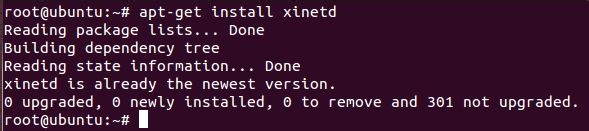
1、1.首先以root权限运行apt-get install xinetd,普通用户的执行命令是sudo apt-get install xinetd
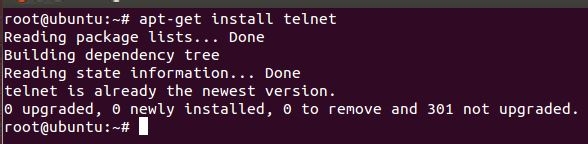
2、2.接着运行以root权限apt-get install telnet,普通用户的执行命令是sudo apt-get install telnet
3、
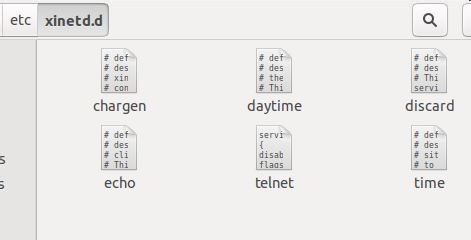
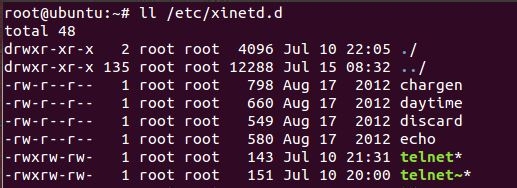
3.新建telnet文件,并将其拷到/etc/xinetd.d目录下,telnet文件内容如下:
service telnet
{
disable = no
flags = REUSE
socket_type = stream
wait =no
user = root
server = /usr/sbin/in.telnetd
log_on_failure += USERID
}
4、4. 新建xinetd.conf文件,并将其拷到/etc目录下,xinetd.conf文件内容如下:
# Simple configuration file for xinetd
#
# Some defaults, and include /etc/xinetd.d/
defaults
{
# Please note that you need a log_type line to be able to use log_on_success
# and log_on_failure. The default is the following :
# log_type = SYSLOG daemon info
instance = 60
log_type = SYSLOG authpriv
log_on_success = HOST PID
log_on_failure = HOST
cps = 25 30
}
includedir /etc/xinetd.d

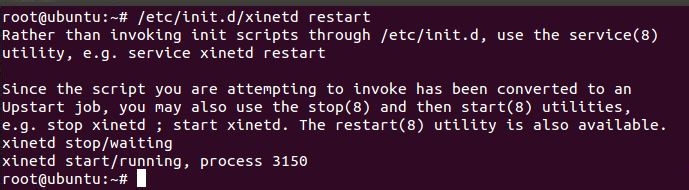
5、5.运行/etc/init.d/xinetd restart(root权限)
sudo /etc/init.d/xinetd restart(一般用户),重启服务
6、6.运行netstat -a 可以看到telnet服务已开启
