windows 安装 Git 教程

时间:2026-02-12 22:55:43

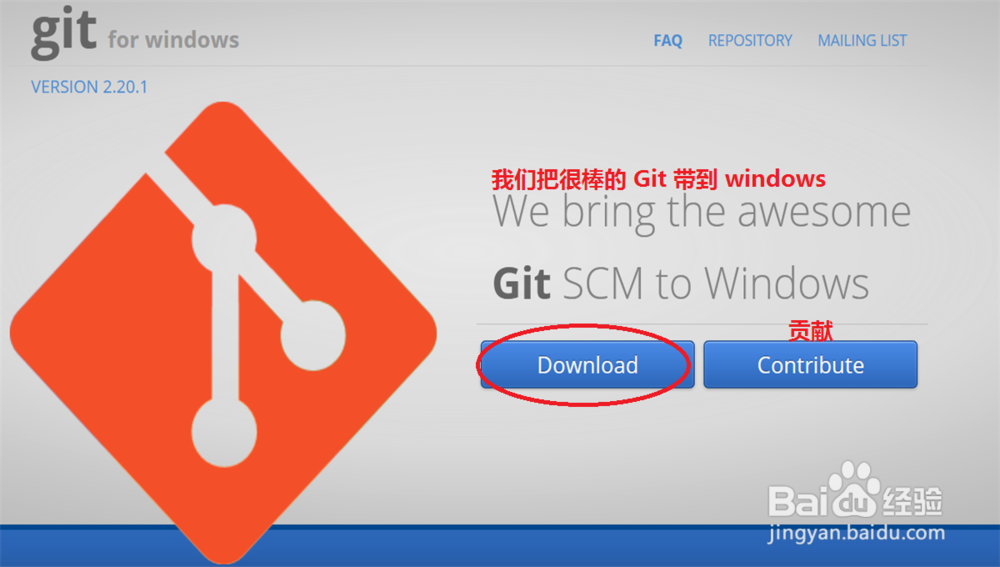
1、打开浏览器在搜索栏里面输入:‍https://gitforwindows.org/ 进入 git 官网地址进行下载
windows 安装 Git 教程

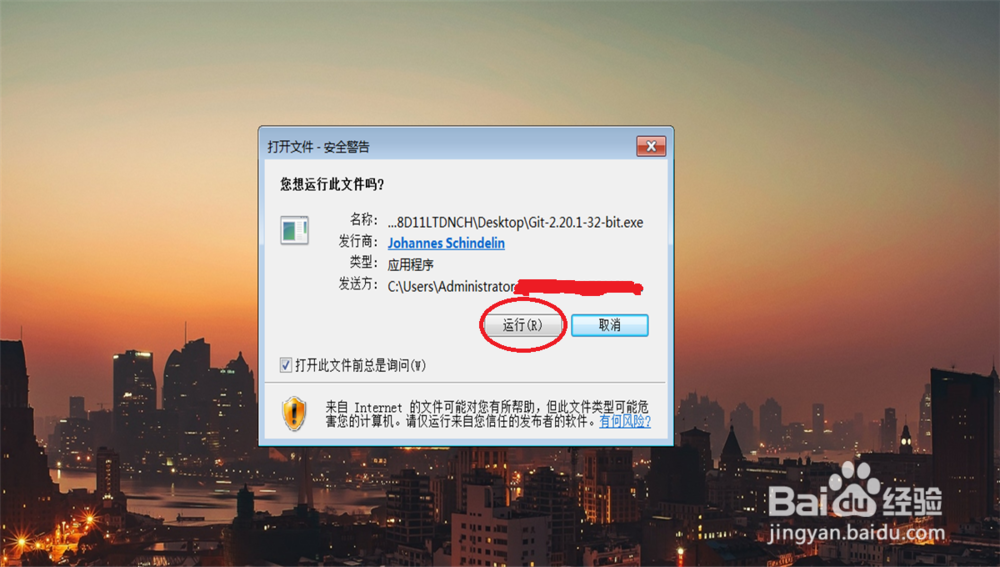
2、双击打开下载好的 git.exe 点击:运行

windows 安装 Git 教程

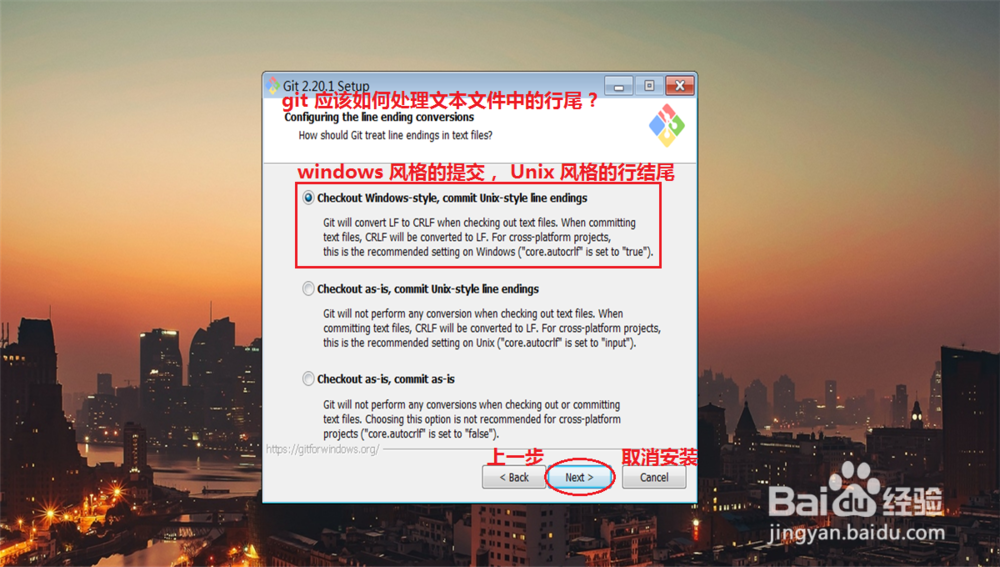
3、点击: Next

windows 安装 Git 教程

4、选择默认目录或自定义安装目录来安装 git 之后点击: Next

windows 安装 Git 教程

5、点击: Next

windows 安装 Git 教程

6、点击: Next

windows 安装 Git 教程

7、如果不喜欢 vim 作为 git 默认编译器, 可以选择其他的编译器, 之后点击: Next

windows 安装 Git 教程

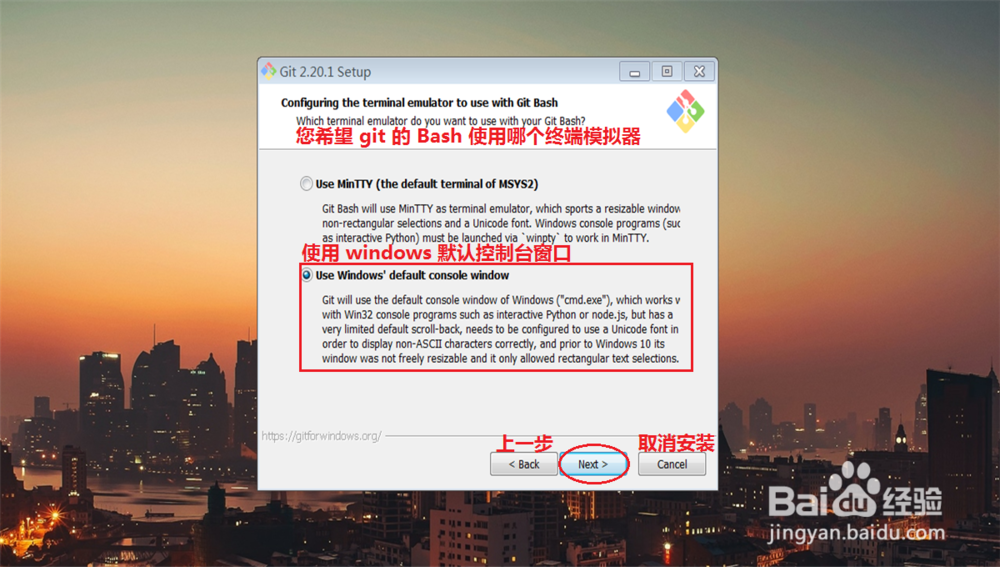
8、点击: Next

windows 安装 Git 教程

9、点击: Next

windows 安装 Git 教程

10、点击: Next

windows 安装 Git 教程

11、点击: Next

windows 安装 Git 教程

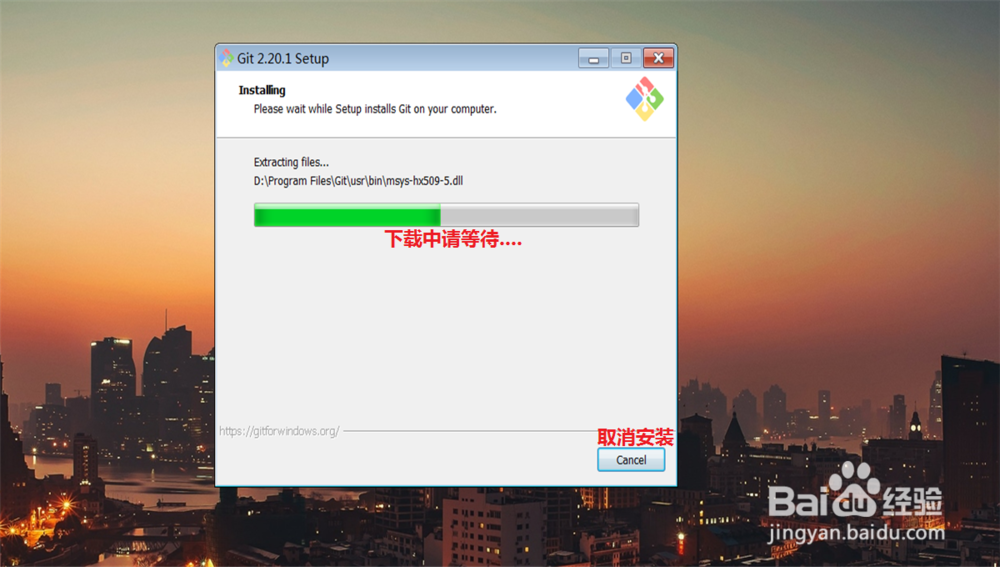
12、点击: Install

windows 安装 Git 教程

windows 安装 Git 教程

13、点击: Finish

windows 安装 Git 教程

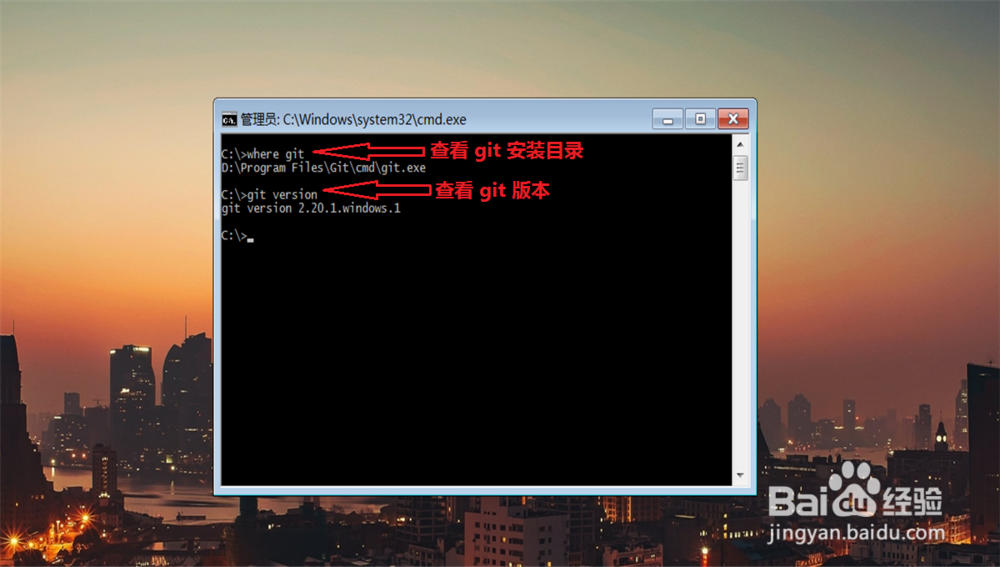
14、使用快捷键 win + r 打开 windows 应用程序, 输入 cmd 来查看 git 是否安装成功,

cmd 里面输入:

                           where git 查看 git 的安装路径

                           git version 查看 git 版本
windows 安装 Git 教程

windows 安装 Git 教程

© 2026 一点资料
信息来自网络 所有数据仅供参考
有疑问请联系站长 site.kefu@gmail.com