1、在我的界面,能看到收藏,点击底部的我的。如图所示

2、然后点击我的收藏选项。如图所示
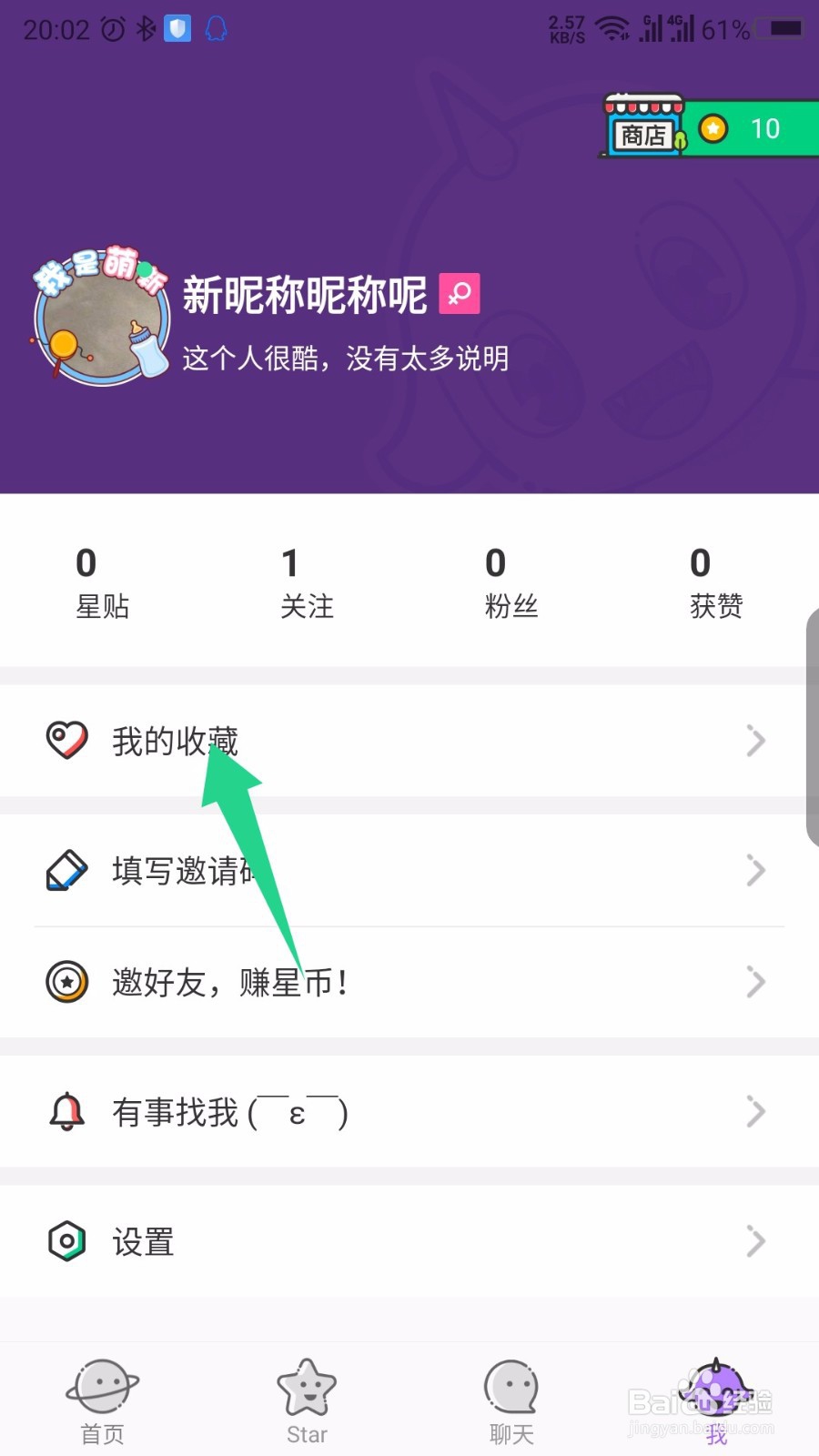
3、打开我的收藏后,上下滑动屏幕查看内容。如图所示

4、点击要取消的收藏右上角的三点。如图所示

5、在底部弹出的页面中,点击已收藏。如图所示
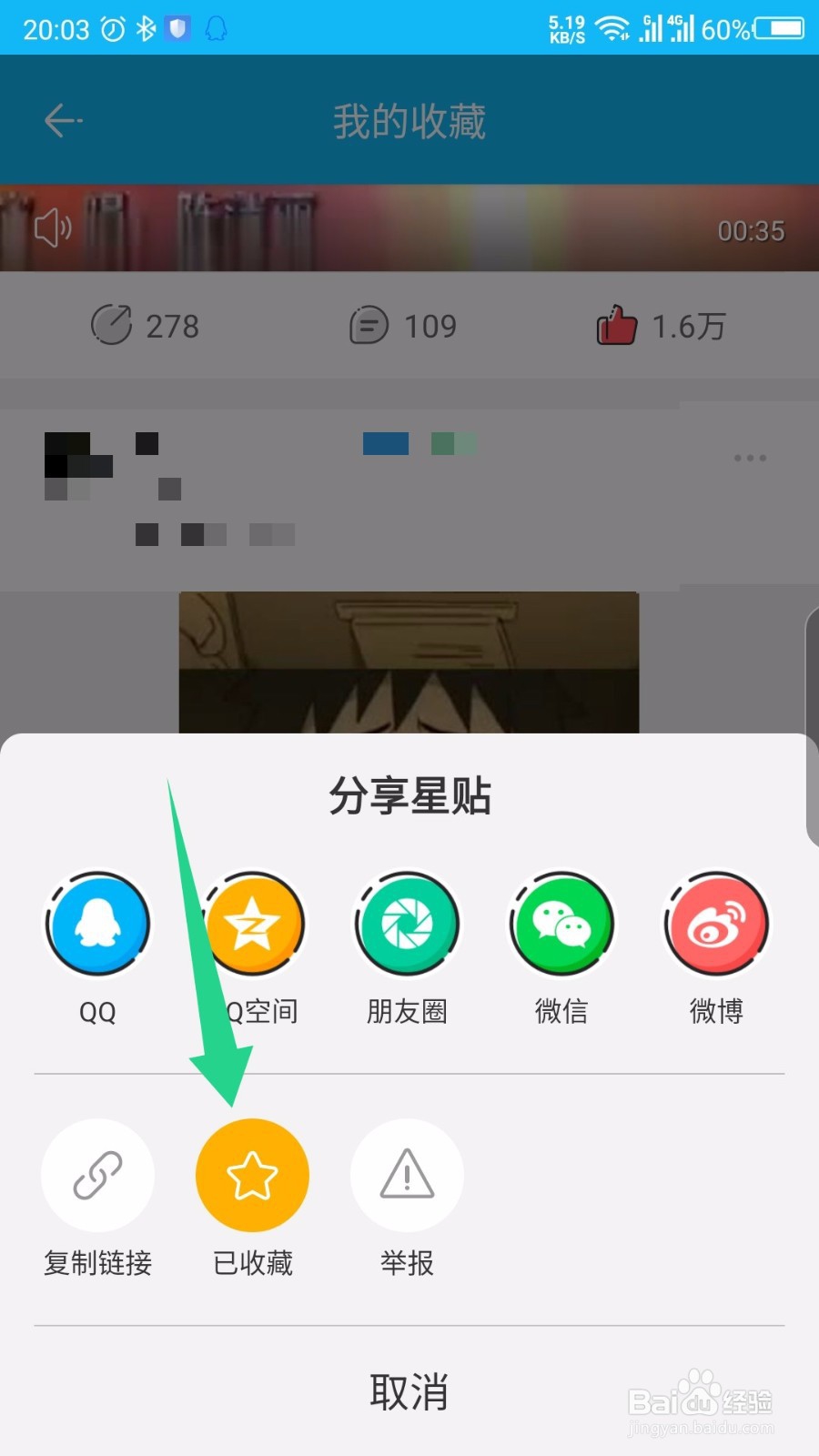
6、然后就取消收藏了,能看到文字提示。如图所示

1、在我的界面,能看到收藏,点击底部的我的。如图所示
2、然后点击我的收藏选项。如图所示
3、打开我的收藏后,上下滑动屏幕查看内容。如图所示
4、点击要取消的收藏右上角的三点。如图所示
5、在底部弹出的页面中,点击已收藏。如图所示
6、然后就取消收藏了,能看到文字提示。如图所示