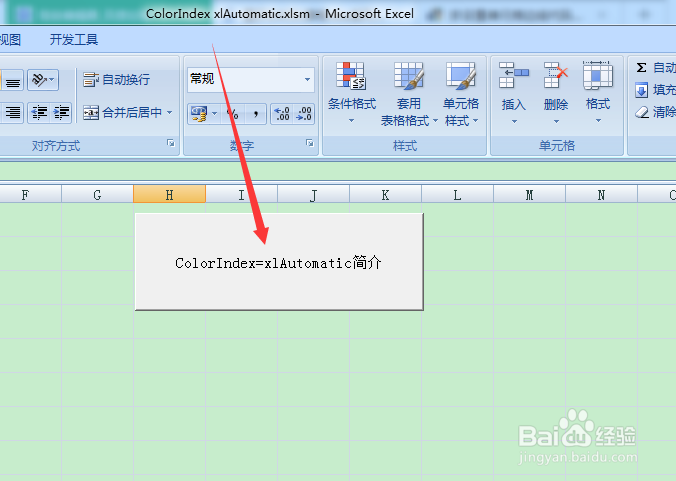
1、首先建立一个空白的EXCEL表格,并设置简单的按钮控件,以便可以执行ColorIndex=xlAutomatic属性代码,如下图所示:
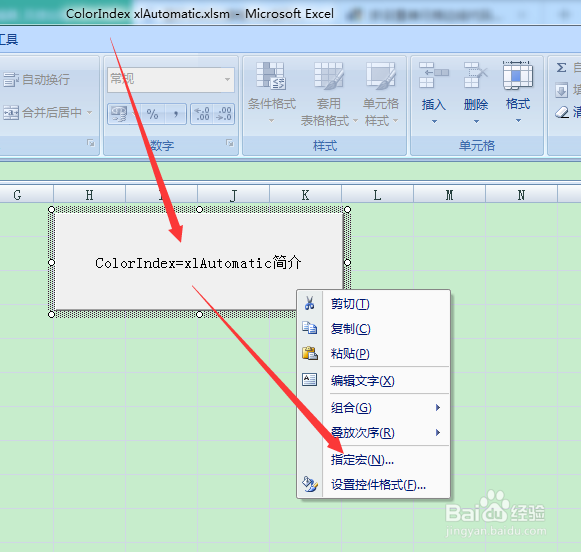
2、点击鼠标右键,进入到指定宏的界面下,新建模块,以便可以执行代码,如下图所示:
3、接下来就是进入到vba的project项目模式下,可以编写代码的界面,如下图所示:

1、接下来就是编写代码,体现ColorIndex=xlAutomatic属性的代码编写,如下图所示:
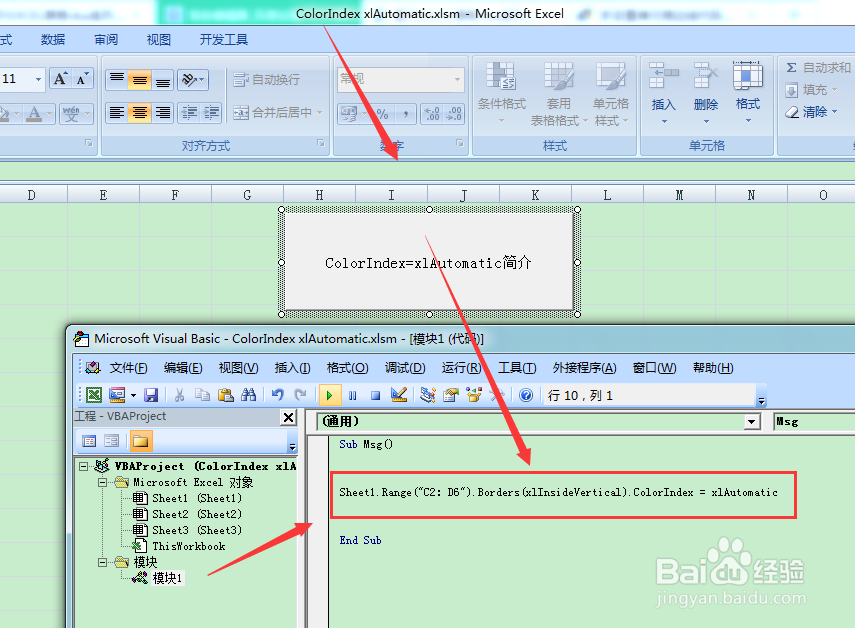
2、代码:
Sub Msg()
Sheet1.Range("C2:D6").Borders(xlInsideVertical).ColorIndex = xlAutomatic
End Sub
体现ColorIndex = xlAutomatic属性的代码
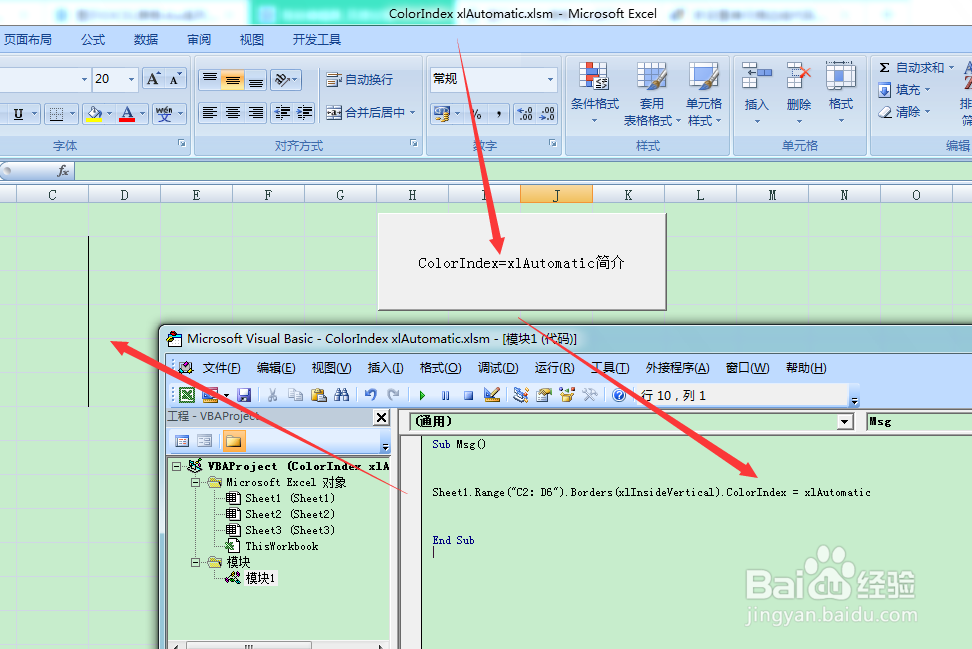
1、最后就是点击按钮控件,执行代码,显示结果,如下图所示:
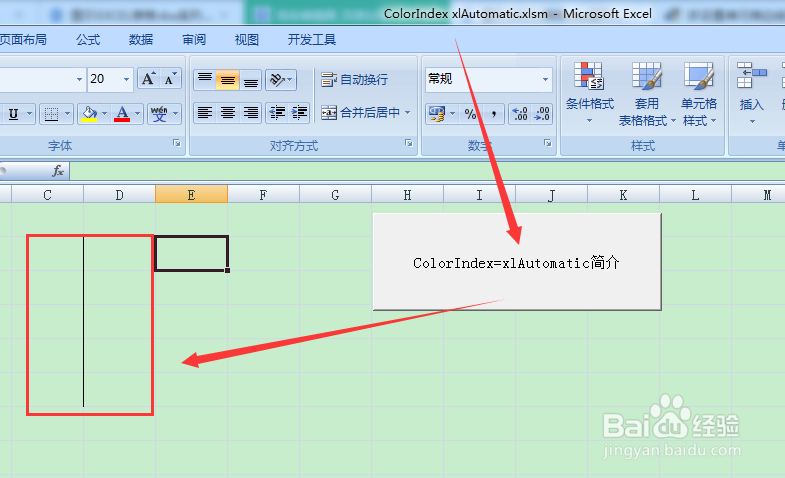
2、最终可以得出,ColorIndex = xlAutomatic属性为单元格的线条显示。如下图所示: