怎样在powerpoint中创建详细流程

时间:2026-02-12 13:43:41

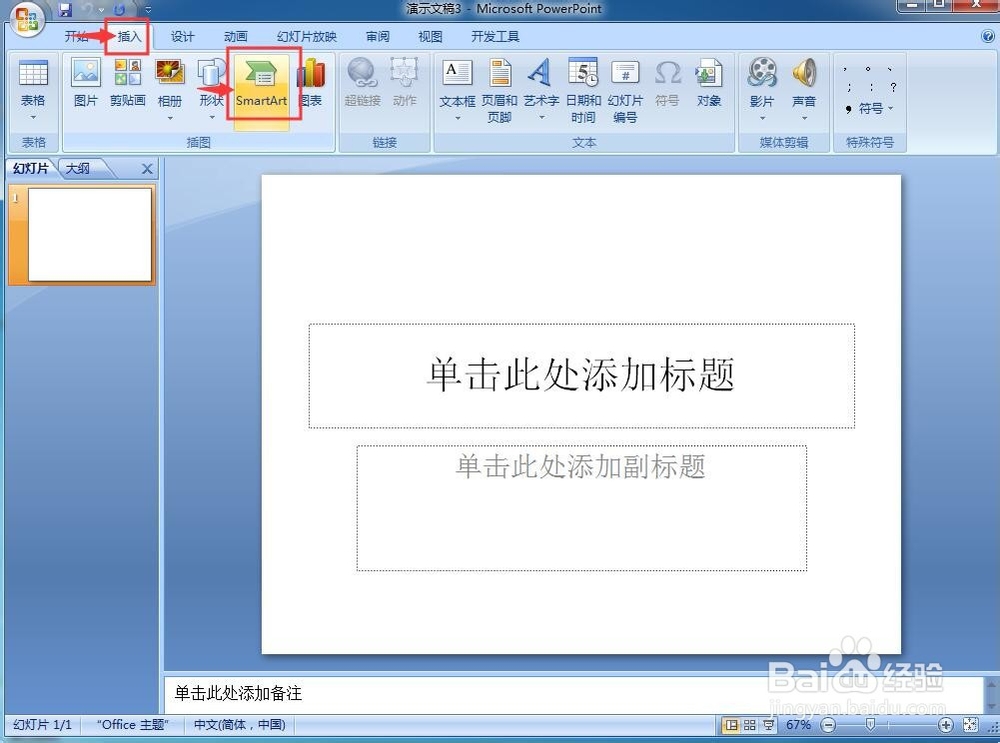
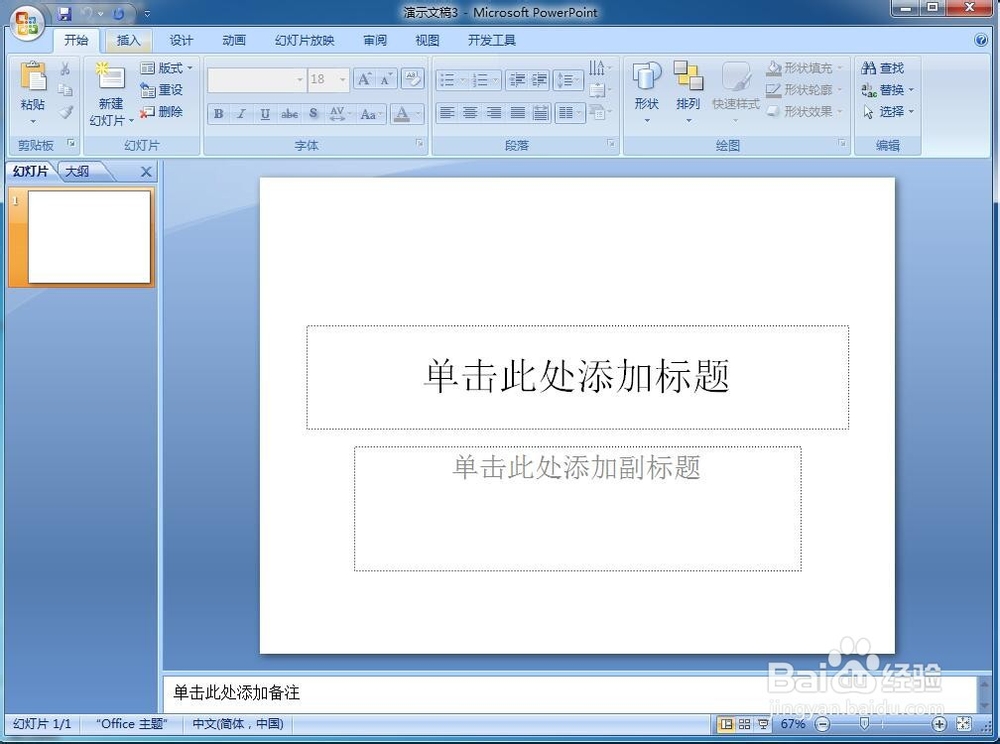
1、打开powerpoint,进入其主界面;
怎样在powerpoint中创建详细流程

2、点击插入菜单,选择SmartArt工具;

怎样在powerpoint中创建详细流程

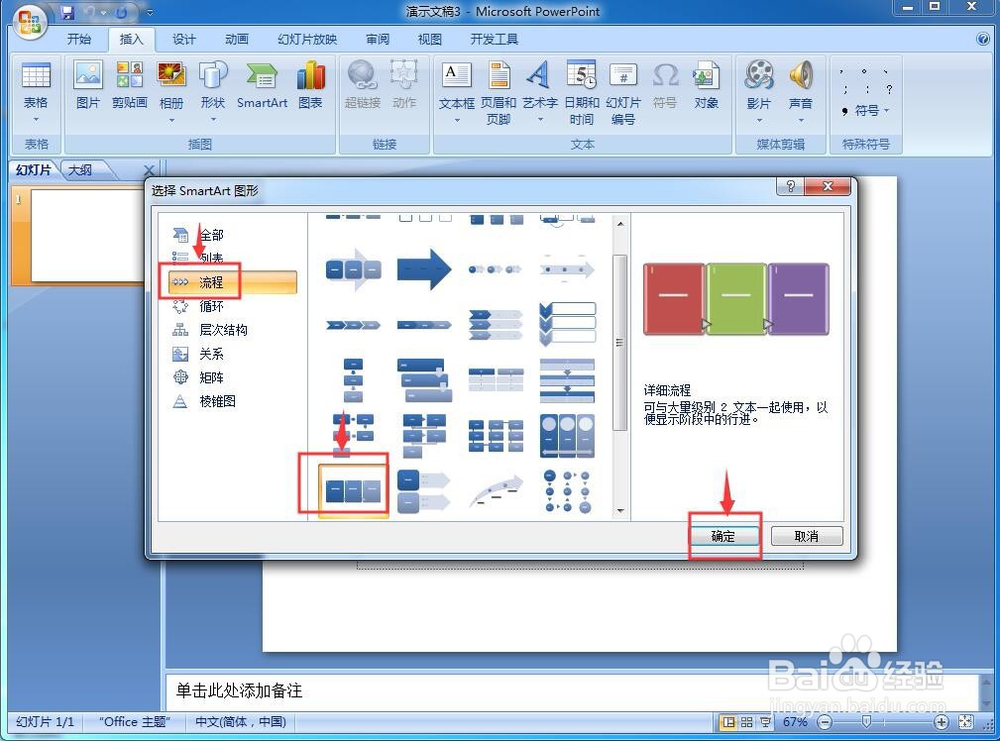
3、进入选择SmartArt图形页面中;

怎样在powerpoint中创建详细流程

4、在流程类别找到并点击详细流程,按确定

怎样在powerpoint中创建详细流程

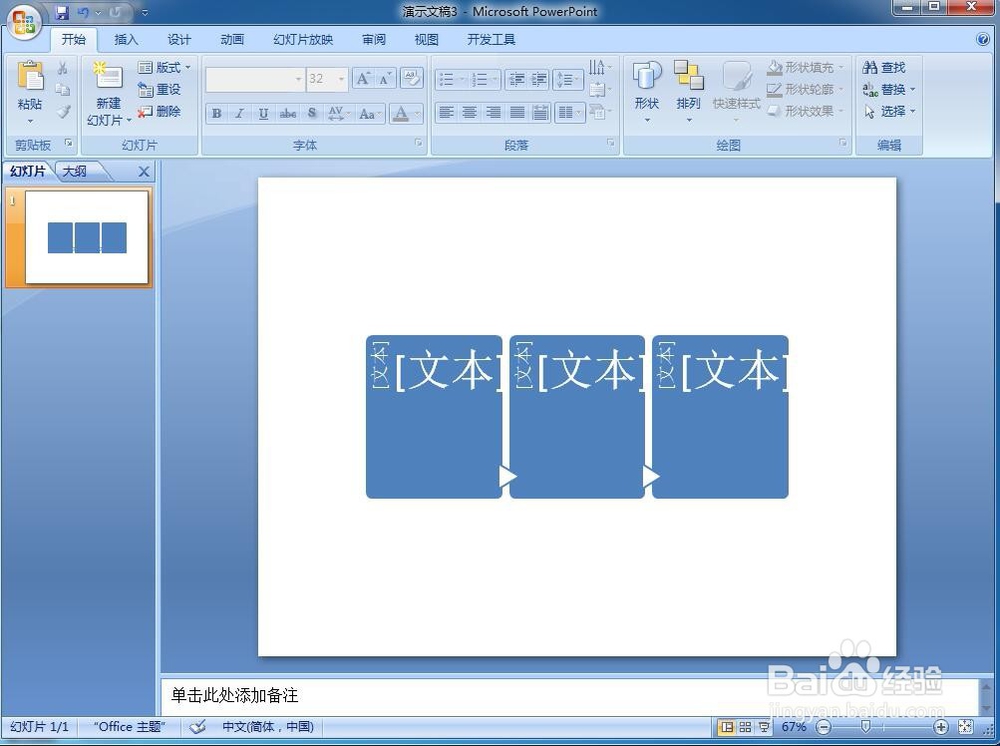
5、在powerpoint插入一个详细流程;

怎样在powerpoint中创建详细流程

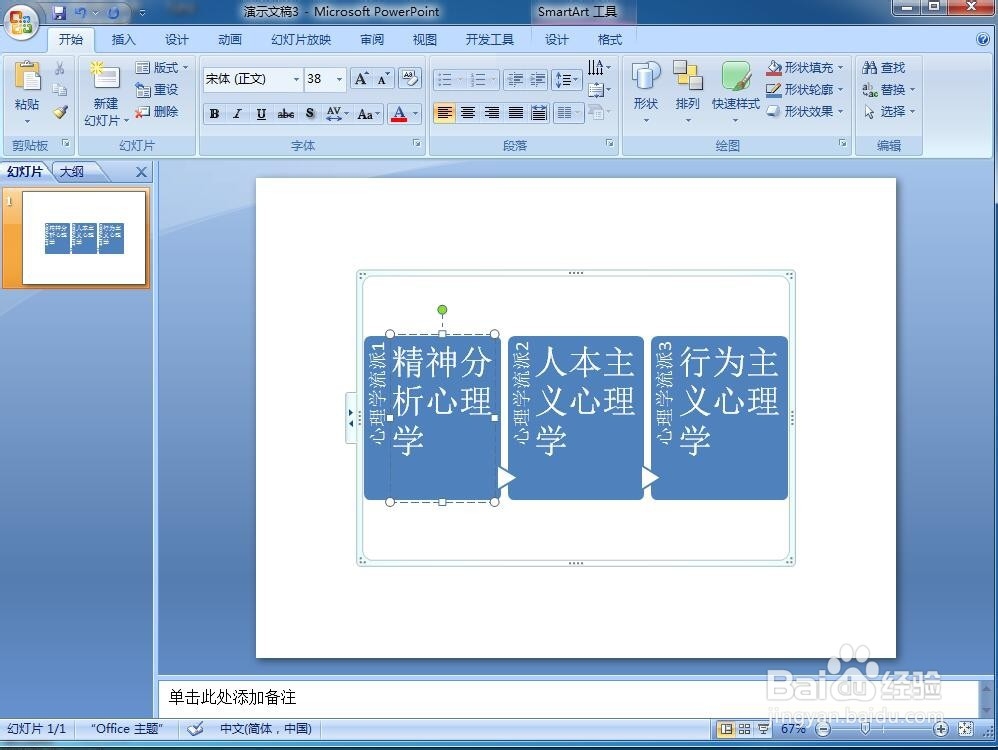
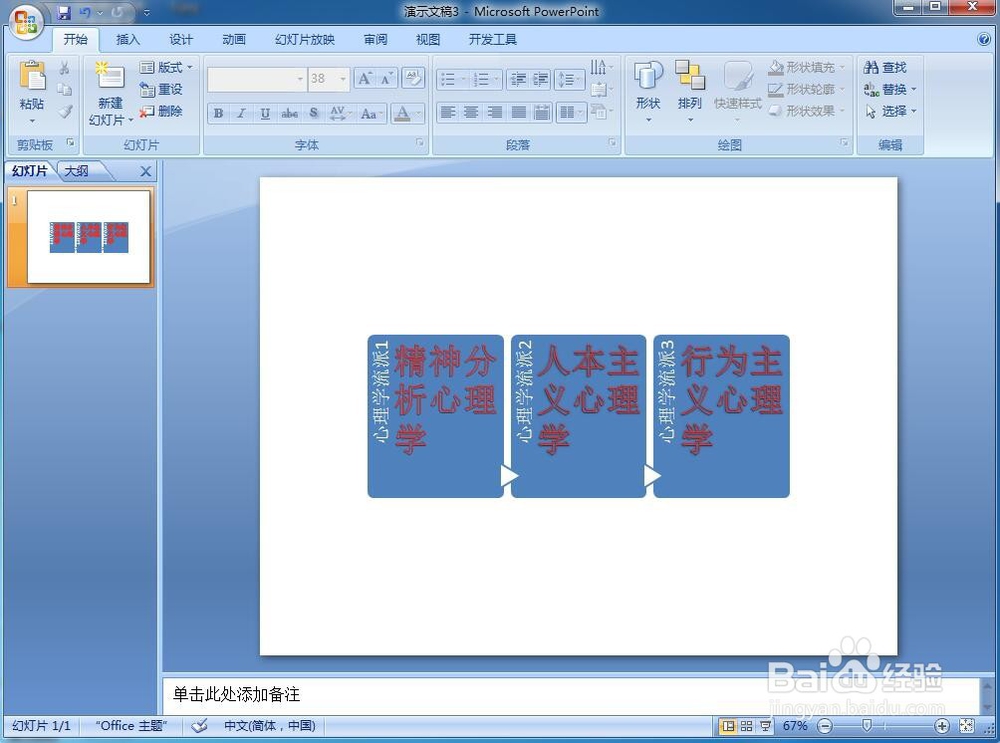
6、填充好详细流程的文字内容;

怎样在powerpoint中创建详细流程

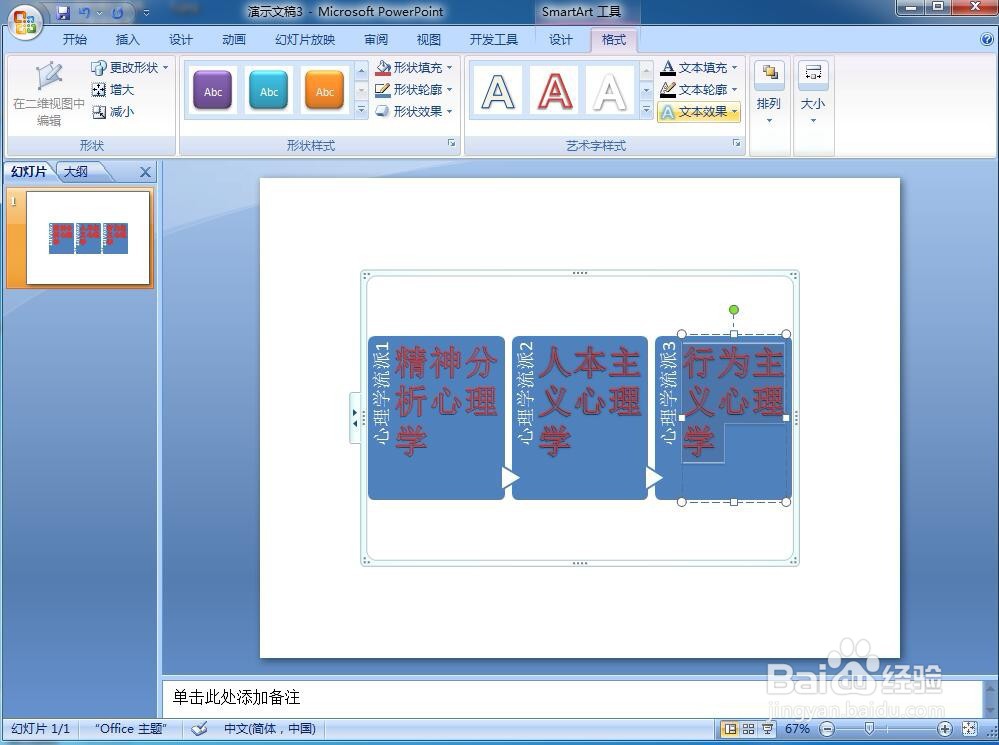
7、给文字添加艺术字样式;

怎样在powerpoint中创建详细流程

8、我们就在powerpoint中创建好了一个详细流程。

怎样在powerpoint中创建详细流程

1、打开powerpoint,点击插入,选择SmartArt;

2、在流程类别找到并点击详细流程,按确定;

3、在powerpoint插入一个空的详细流程;

4、给详细流程填充文字内容,修改文字样式。

© 2026 一点资料
信息来自网络 所有数据仅供参考
有疑问请联系站长 site.kefu@gmail.com