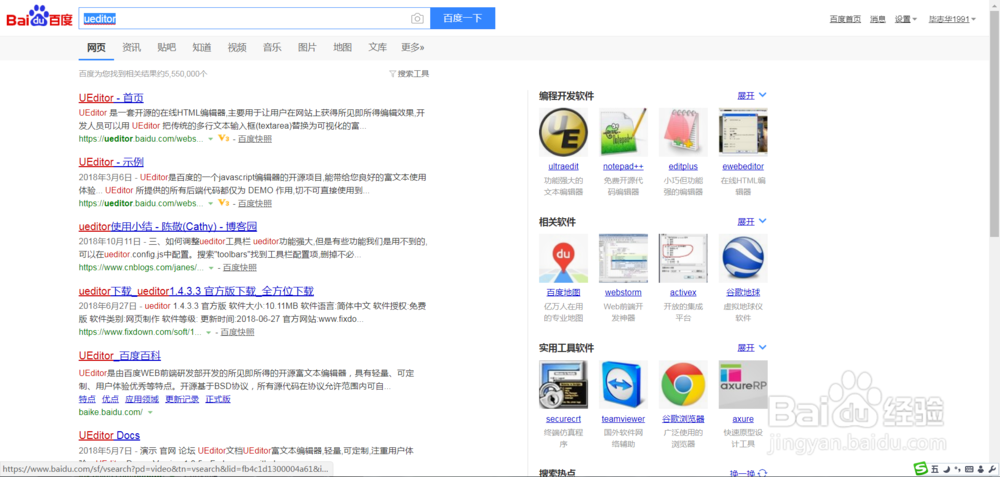
1、首先到网上搜索UEditor下载资源,建议到正规网站下载,如下图所示。
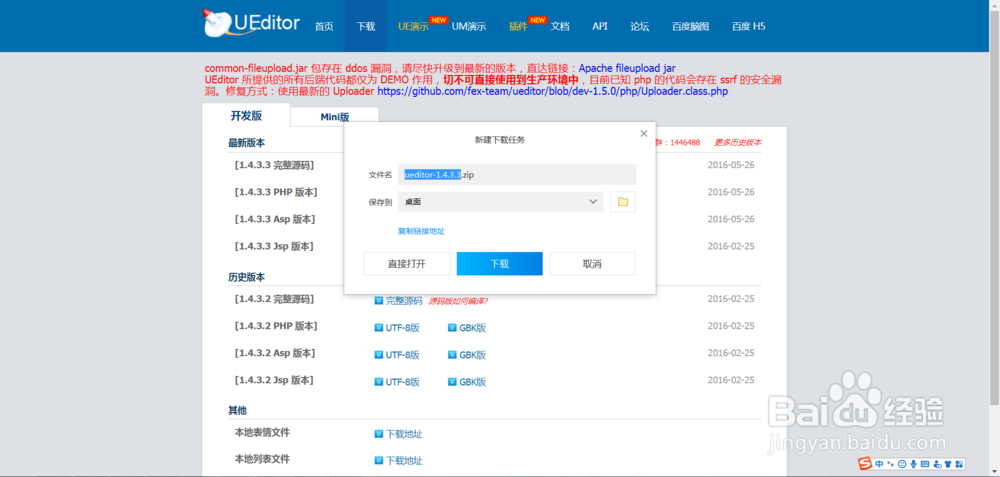
2、进入到官网后,找到下载地址,点下载,如下图所示。

3、根据自己的情况下载对应的版本,如下图所示。

4、点击下载,此时会将UEditor下载到本地,如下图所示。
5、下载到本地后,我们将UEditor进行解压,这样一个完整的UEditor就下载成功 了,下面教怎么使用,如下图所示。
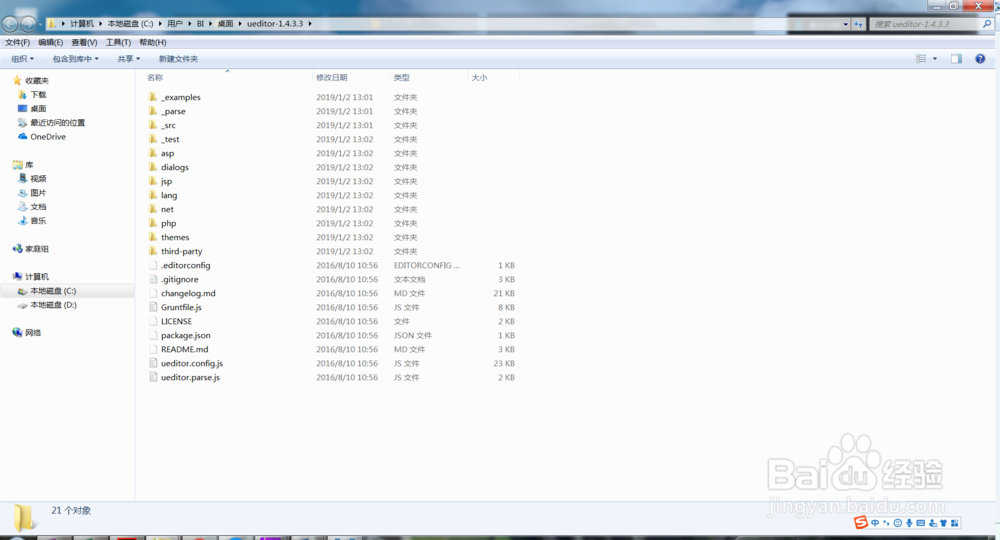
1、找到解压后的文件,在文件夹目录新建一个demo.html文件,如下图所示。

2、打开demo.html,将如下代码复制到里面,如下图所示。
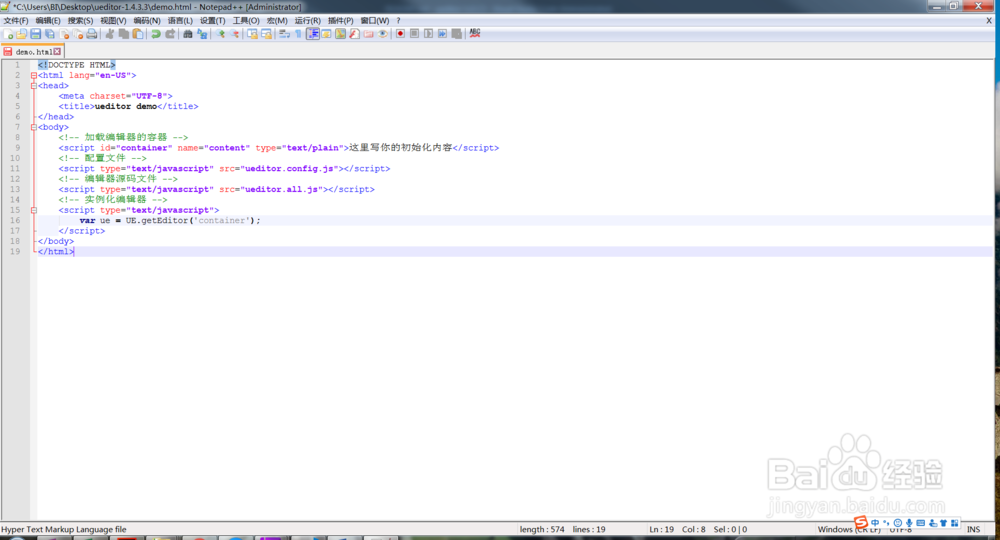
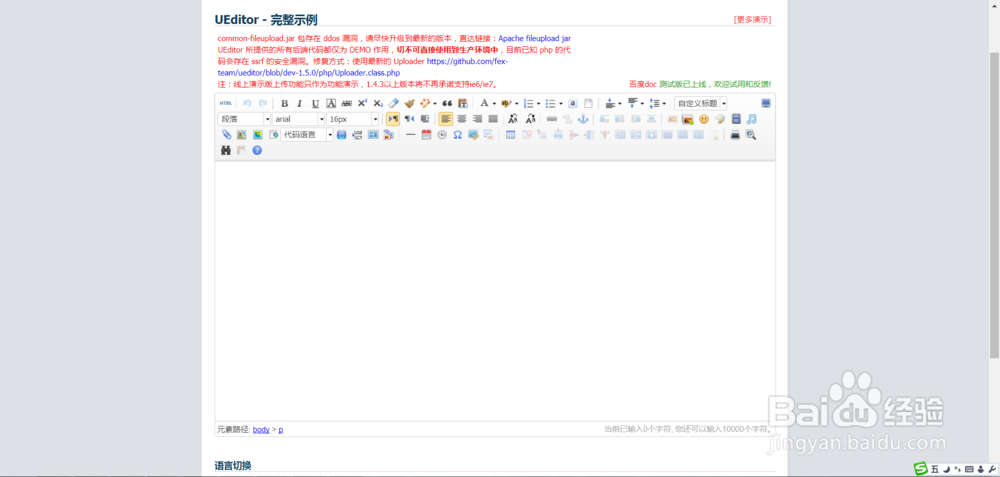
3、将demo.html保存,并在浏览器中打开demo.html,出现如下图所示的页面,即表示配置成功了。
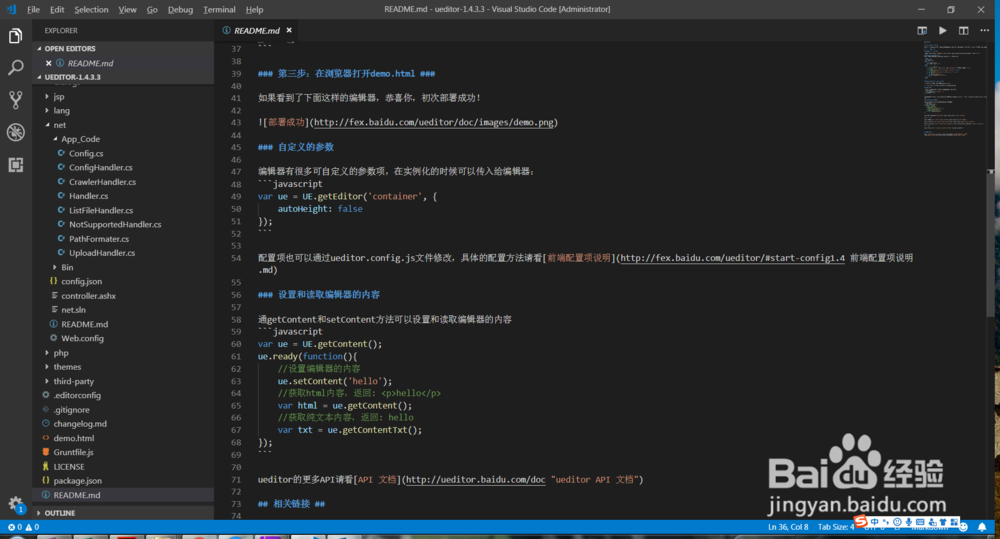
4、同时我们还可以配置一些其他的内容,到readme中看一下,如下图所示。