1、首先打开myeclipse新建web project,操作如下图。

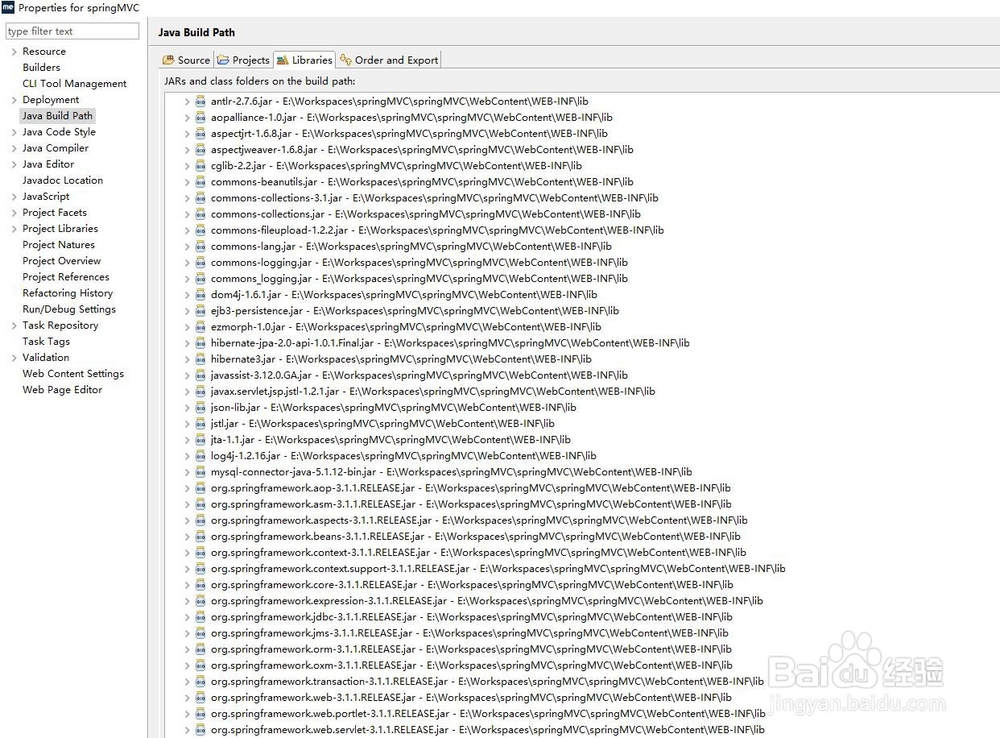
2、引入spring相关jar包,如下图所示。
3、在testproperty文件利用按钮调用TestController层,操作见下图。

4、建立test.properties属性文件输入property=1111,操作见下图。

5、applicationContext.xml文件中引入test.properties文件,<context:property-placeholder location="classpath:/test.properties" />,操作见下图。

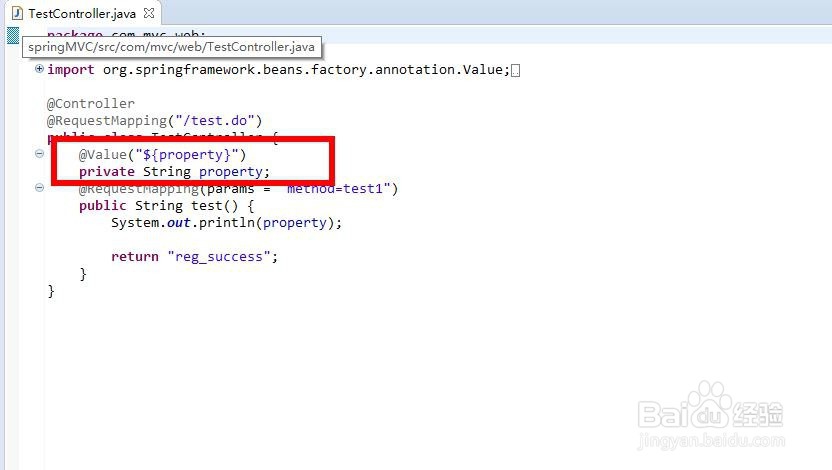
6、TestController层利用@Value("${property}") private String property;引入配置文件的值,操作见下图。
7、运行效果,如下图所示。

1、首先打开myeclipse新建web project
2、引入spring相关jar包
3、在testproperty文件利用按钮调用TestController层
4、建立test.properties属性文件输入property=1111
5、applicationContext.xml文件中引入test.properties文件
6、TestController层利用@Value("${property}") private String property;引入配置文件的值