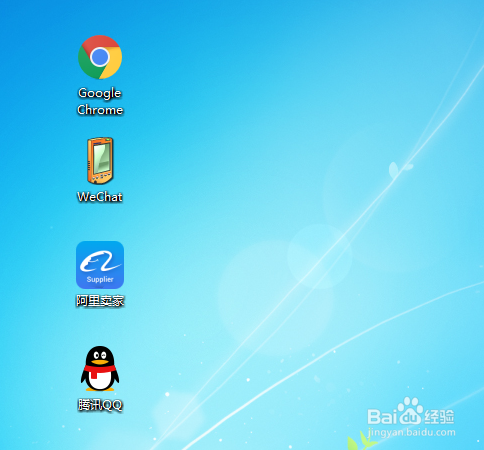
1、在电脑上新建一个文本文档:电脑桌面空白处-右击-新建-文本文档,如图所示。

2、打开这个文本文档,写入以下文字:(建议复制,以免出错)
reg add "HKEY_LOCAL_MACHINE\SOFTWARE\Microsoft\Windows\CurrentVersion\Explorer\Shell Icons" /v 29 /d "%systemroot%\system32\imageres.dll,196" /t reg_sz /f
taskkill /f /im explorer.exe
attrib -s -r -h "%userprofile%\AppData\Local\iconcache.db"
del "%userprofile%\AppData\Local\iconcache.db" /f /q
start explorer

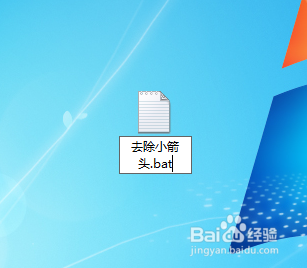
3、保存文本文档-关闭后修改名字为:去除小箭头.bat
注意:后缀名字原来的TXT一定该改为bat,如图-确定

4、双击运行“去除小箭头.bat”运行即可,然后桌面图标就会变成没有小箭头,如图所示。