模拟器 安装xposed框架

时间:2026-02-15 07:09:37

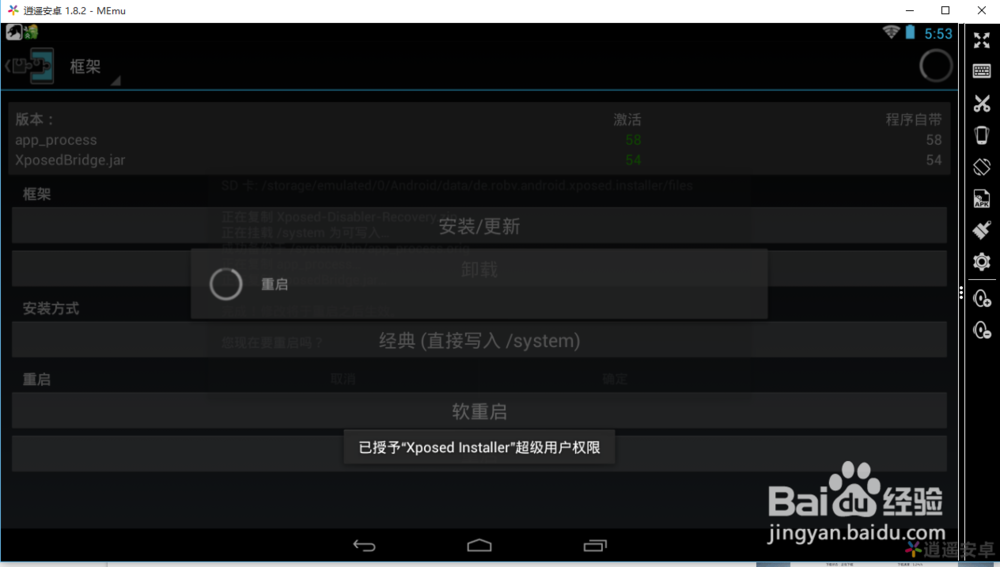
1、xposed框架 安装完毕 重启安卓模拟器 

模拟器 安装xposed框架

2、授权  充许

模拟器 安装xposed框架

3、再次 重启安卓模拟器

模拟器 安装xposed框架

4、模块安装 安装自己需要的模块 安装完毕 重启 安卓模拟器

模拟器 安装xposed框架

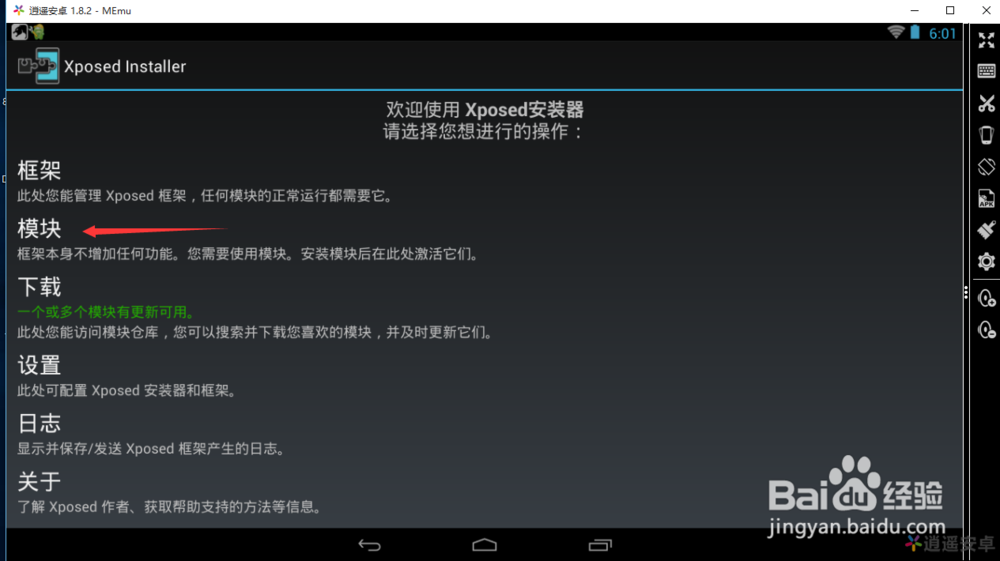
5、重启后进入xposed框架  点击模块 

模拟器 安装xposed框架

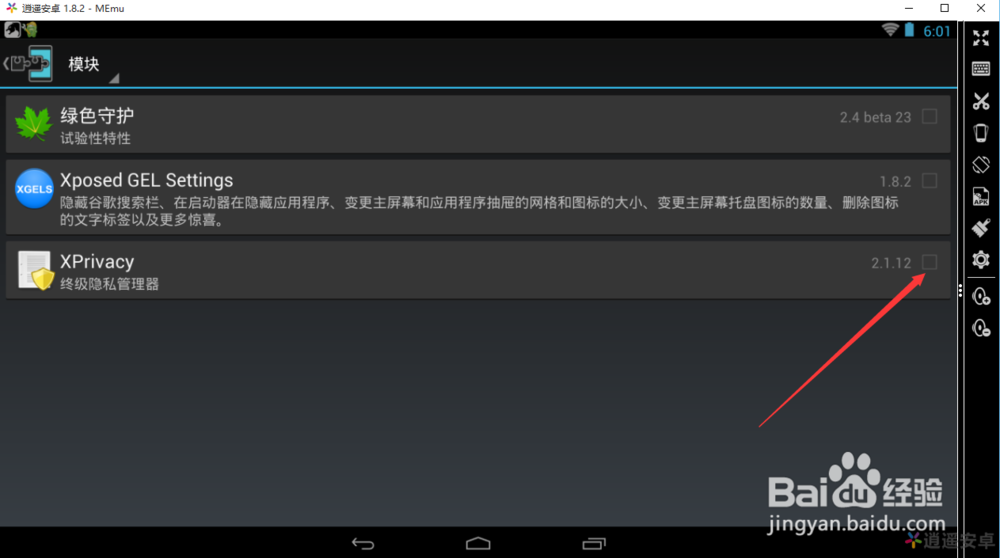
6、就好看到安装完的模块 激活模块 后 重启安卓模拟

模拟器 安装xposed框架

© 2026 一点资料
信息来自网络 所有数据仅供参考
有疑问请联系站长 site.kefu@gmail.com