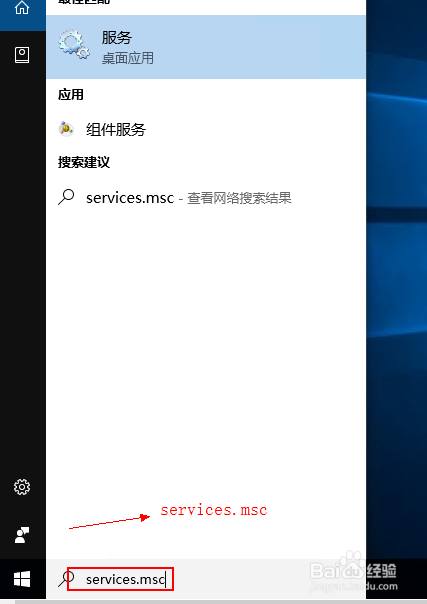
1、在Windows10运行或者搜索栏输入services.msc,出现“服务”菜单,如下图所示
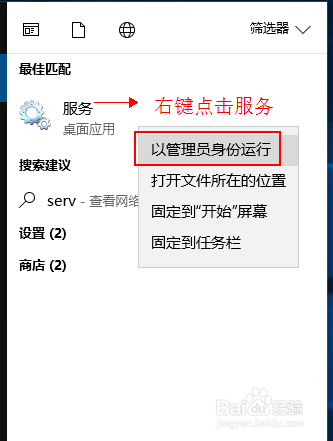
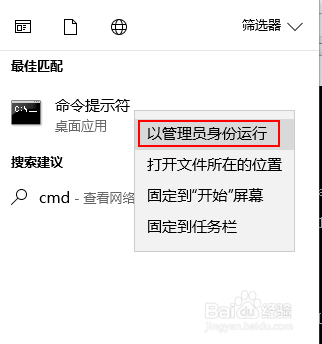
2、右键点击“服务”菜单,以管理员身份运行
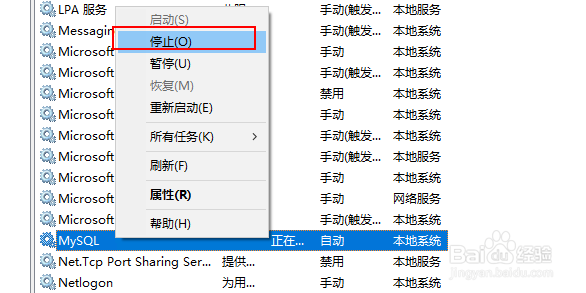
3、找到MySQL服务,右键点击然后“停止”
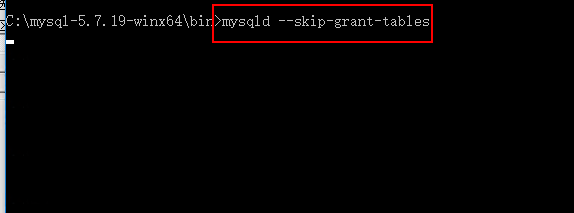
4、同样以管理员的身份打开一个cmd窗口,输入mysqld --skip-grant-tables,其实就是跳过权限表认证的方式启动mysql,不要关闭这个cmd窗口
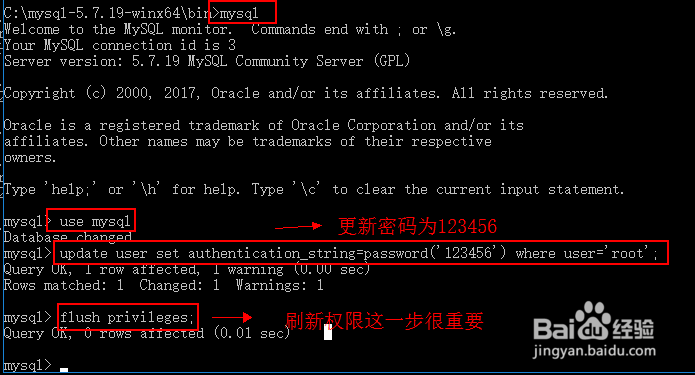
5、再打开另外一个cmd窗口,同样是进入到mysql的bin目录,如果已经将mysql的bin目录配置到环境变量中,可以直接输入mysql命令
C:\mysql-5.7.19-winx64\bin>mysql
Welcome to the MySQL monitor. Commands end with ; or \g.
Your MySQL connection id is 3
Server version: 5.7.19 MySQL Community Server (GPL)
Copyright (c) 2000, 2017, Oracle and/or its affiliates. All rights reserved.
Oracle is a registered trademark of Oracle Corporation and/or its
affiliates. Other names may be trademarks of their respective
owners.
Type 'help;' or '\h' for help. Type '\c' to clear the current input statement.
mysql> use mysql;
Database changed
mysql> update user set authentication_string=password('123456') where user='root';
Query OK, 1 row affected, 1 warning (0.00 sec)
Rows matched: 1 Changed: 1 Warnings: 1
mysql> flush privileges;
Query OK, 0 rows affected (0.01 sec)
mysql>
执行完成之后退出
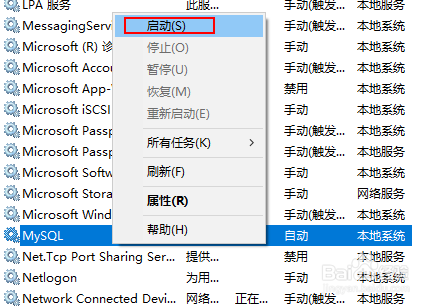
6、右键点击“服务”菜单,以管理员身份运行,找到MySQL服务右键点击然后“启动”,mysql的root密码重置完成