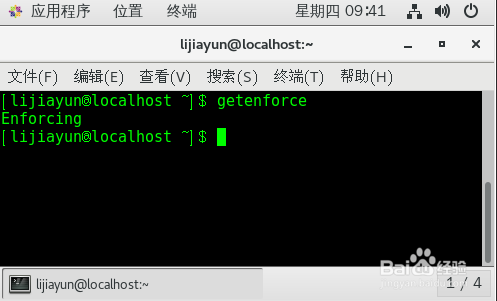
1、运行命令 getenforce 获取当前selinux状态
Enforcing为开启
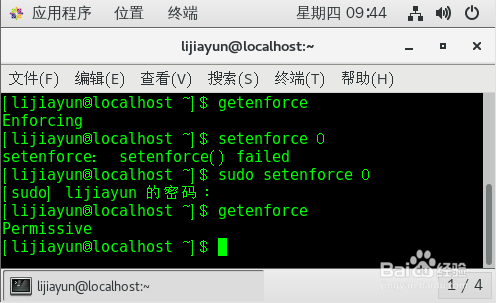
2、运行命令 sudo setenforce 0
运行命令 getenforce
状态变为 Permissive
此命令临时关闭 selinux 重启失效
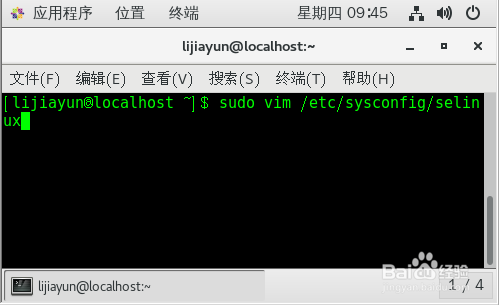
1、运行命令
sudo vim /etc/sysconfig/selinux
2、找到行
SELINUX=enforcing

3、替换为
SELINUX=disabled
保存退出
reboot

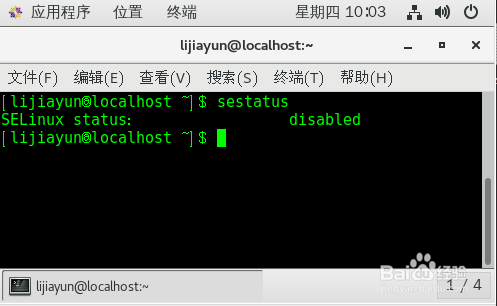
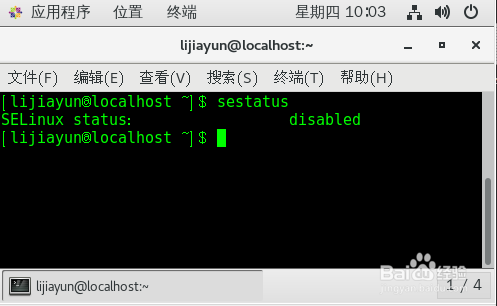
4、重启后 运行命令 sestatus
SELinux status : disabled
永久关闭selinux成功
1、运行命令
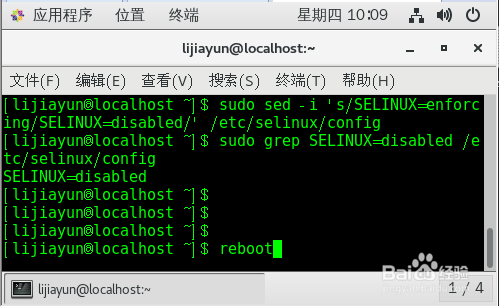
sudo sed -i 's/SELINUX=enforcing/SELINUX=disabled/' /etc/selinux/config
将 /etc/selinux/config 文件中
SELINUX=enforcing
替换为
SELINUX=disabled
运行命令
sudo grep SELINUX=disabled /etc/selinux/config
显示
SELINUX=disabled
确认替换修改成功
reboot
2、重启后 运行命令 sestatus
SELinux status : disabled
永久关闭selinux成功
Enjoy it !!!