Windows 10如何查看当前系统设定的地区?

时间:2026-02-15 00:50:06

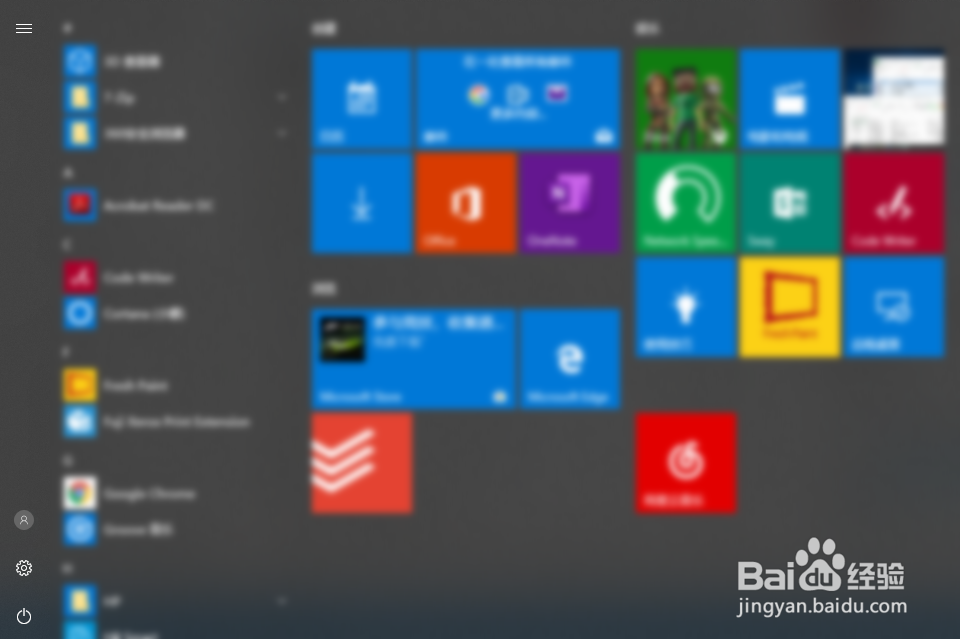
1、打开Windows 10操作系统开始菜单;

Windows 10如何查看当前系统设定的地区?

2、点击开始菜单中的“设置”按钮;

Windows 10如何查看当前系统设定的地区?

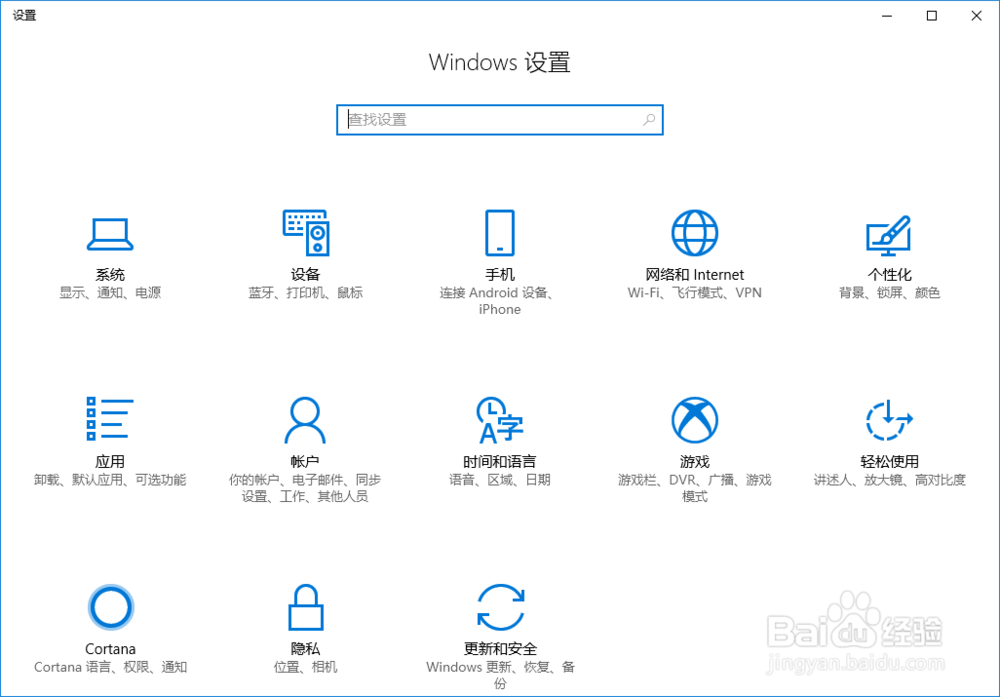
3、系统设置对话框自动打开;

Windows 10如何查看当前系统设定的地区?

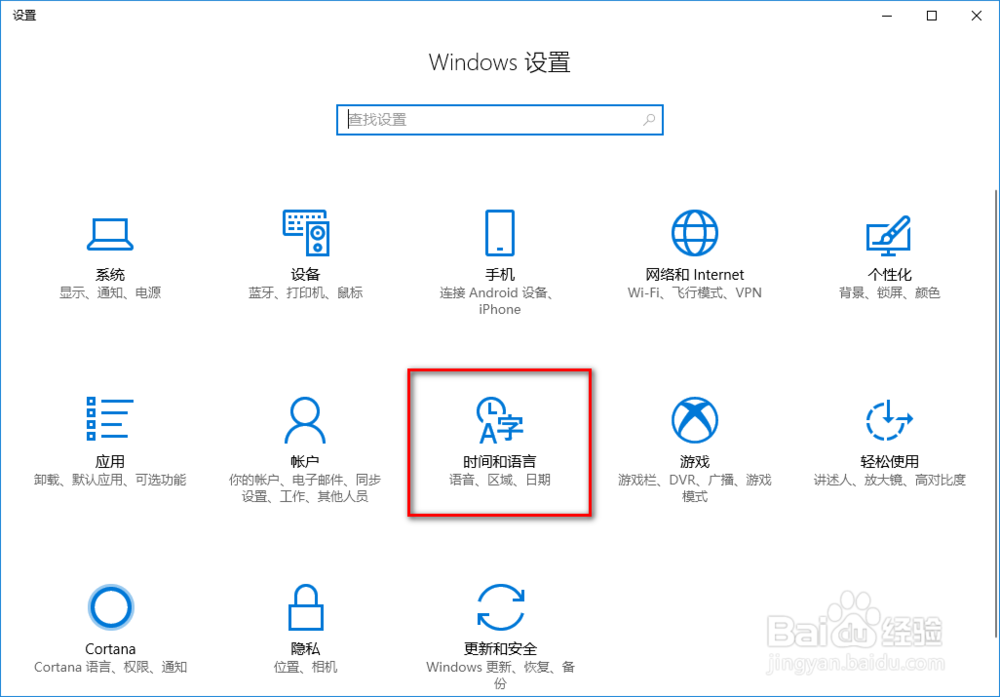
4、点击设置对话框中的“时间和语言”;

Windows 10如何查看当前系统设定的地区?

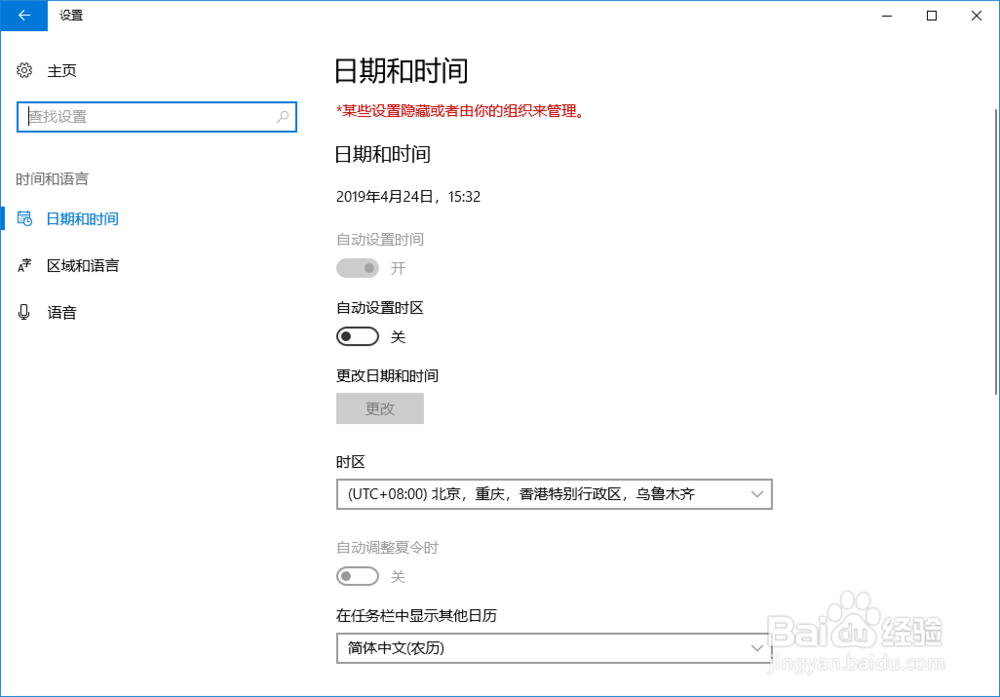
5、自动跳转到日期和时间窗口;

Windows 10如何查看当前系统设定的地区?

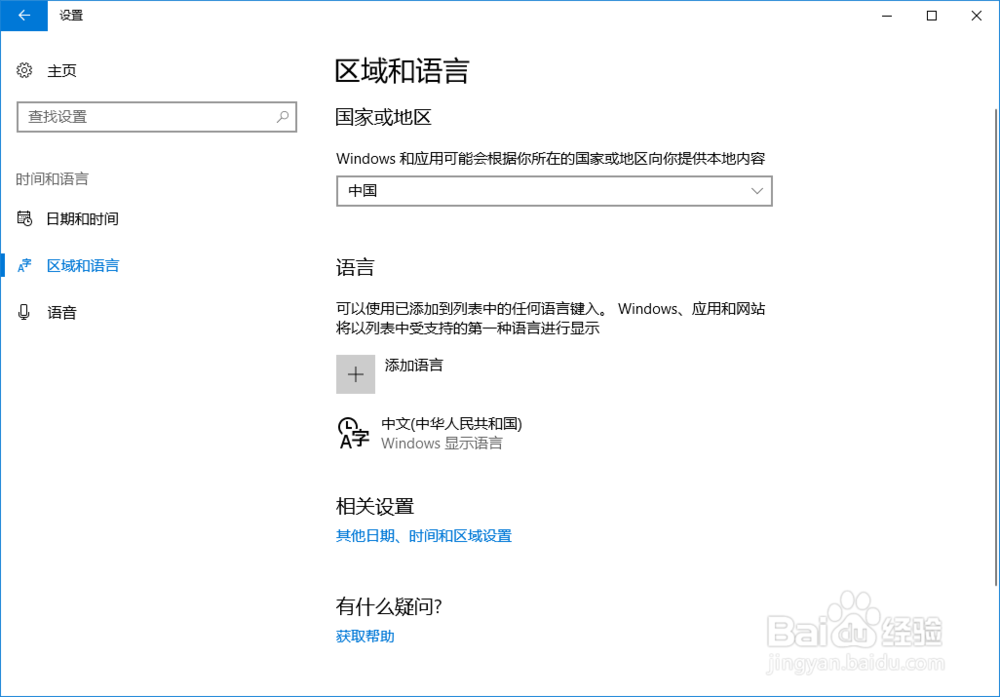
6、点击“区域和语言”,即可查看到当前系统设定的国家或地区。

Windows 10如何查看当前系统设定的地区?

© 2026 一点资料
信息来自网络 所有数据仅供参考
有疑问请联系站长 site.kefu@gmail.com